Duration Math: Sizing Clips for Real Edit Rhythms
Most AI video clips are too long. A durations-per-beat rubric from cinematic editing that cuts generation cost.
Most AI video clips are too long. Eight seconds by default, because that is the preset, and nobody tunes the duration before hitting render. Then the clip sits at the edit stage and half of it gets trimmed, and you paid for the half you cut.
Edit rhythm first, duration second, render third. In that order. You save money and your cuts land.
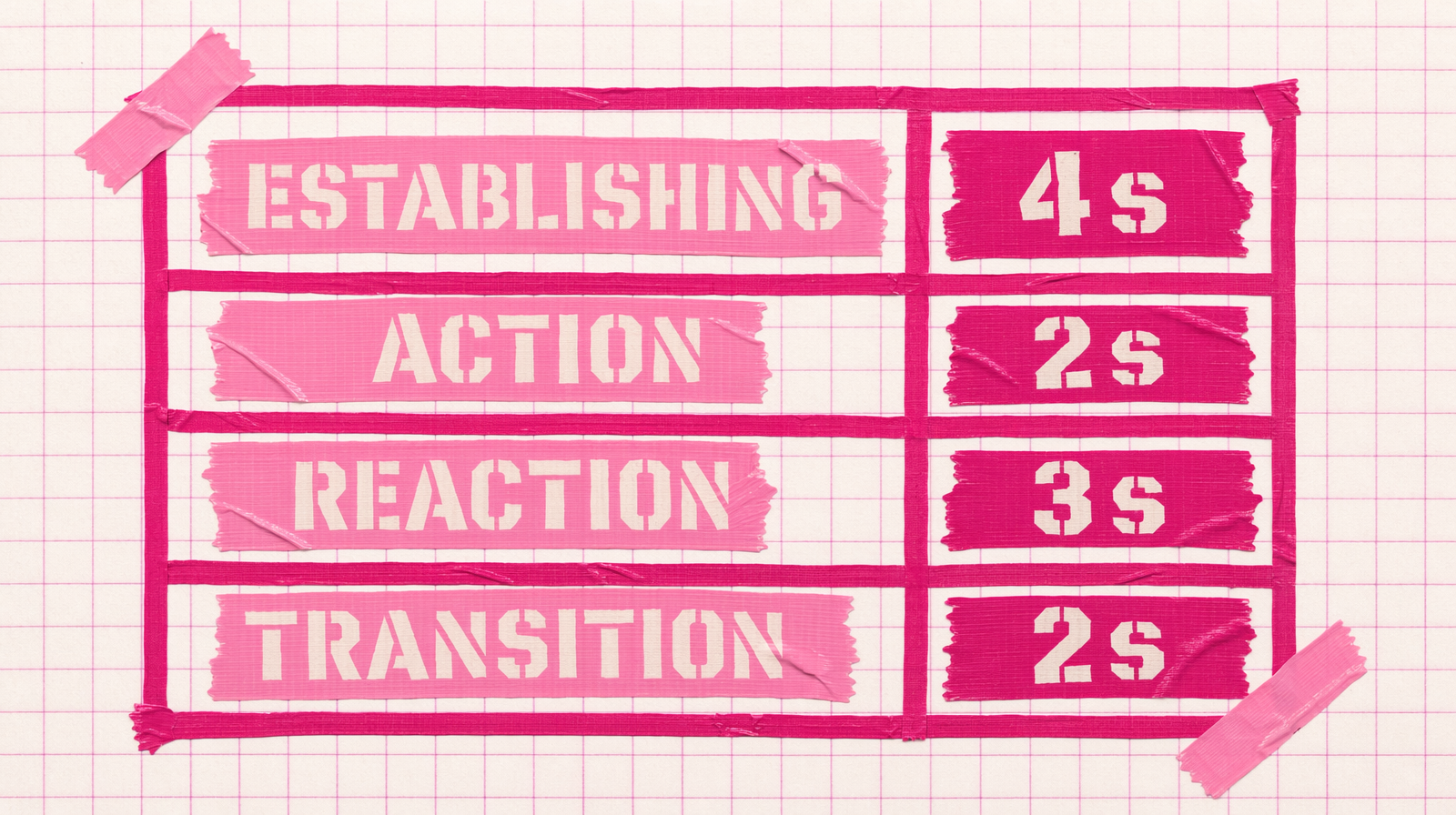
A rubric from cinematic editing
Classical editing has a vocabulary for how long a shot should hold. Adapt it to AI generation:
- Establishing shot: 3 to 4 seconds. You need time for the viewer to read the space.
- Action beat: 1.5 to 2.5 seconds. Anything longer and the action sags.
- Reaction beat: 2 to 3 seconds. Long enough for an expression to land, short enough not to drag.
- Transition: 1 to 2 seconds. Pure connective tissue.
- Emotional hold: 3 to 5 seconds. Rare. Earn it.
Most models let you pick integer seconds. Wan 2.7 accepts 2 through 15. Veo 3 Fast is stuck on 4s, 6s, 8s options. Kling v3 Pro takes 3 through 15. Seedance 2.0 takes 4 through 15 or auto.
Match the rubric to the model
If your rubric asks for a 2 second action beat, Veo 3 Fast cannot do it at its minimum of 4 seconds. You either switch models or you render 4 and cut to 2 in post. Both have costs.
Switching to Wan 2.7 at $0.10 per second gives you a 2 second clip for $0.20. Rendering 4 seconds on Veo 3 Fast is $1.60 and you throw half away. Wan 2.7 is 8x cheaper for the same result on the screen. The quality is different, but for a short transition beat the difference rarely matters.
A simple calculator
1BEAT_LIBRARY = {2 "establishing": 4,3 "action": 2,4 "reaction": 3,5 "transition": 2,6 "emotional": 4,7}89RATES = {10 "fal-ai/wan/v2.7/text-to-video": 0.10,11 "fal-ai/kling-video/v3/pro/text-to-video": 0.14,12 "fal-ai/veo3/fast": 0.40,13 "fal-ai/pixverse/v6": 0.005,14}1516def cost(beats, model):17 seconds = sum(BEAT_LIBRARY[b] for b in beats)18 return seconds * RATES[model]1920plan = ["establishing", "action", "reaction", "action", "transition"]21print("wan27:", cost(plan, "fal-ai/wan/v2.7/text-to-video"))22print("veo3fast:", cost(plan, "fal-ai/veo3/fast"))
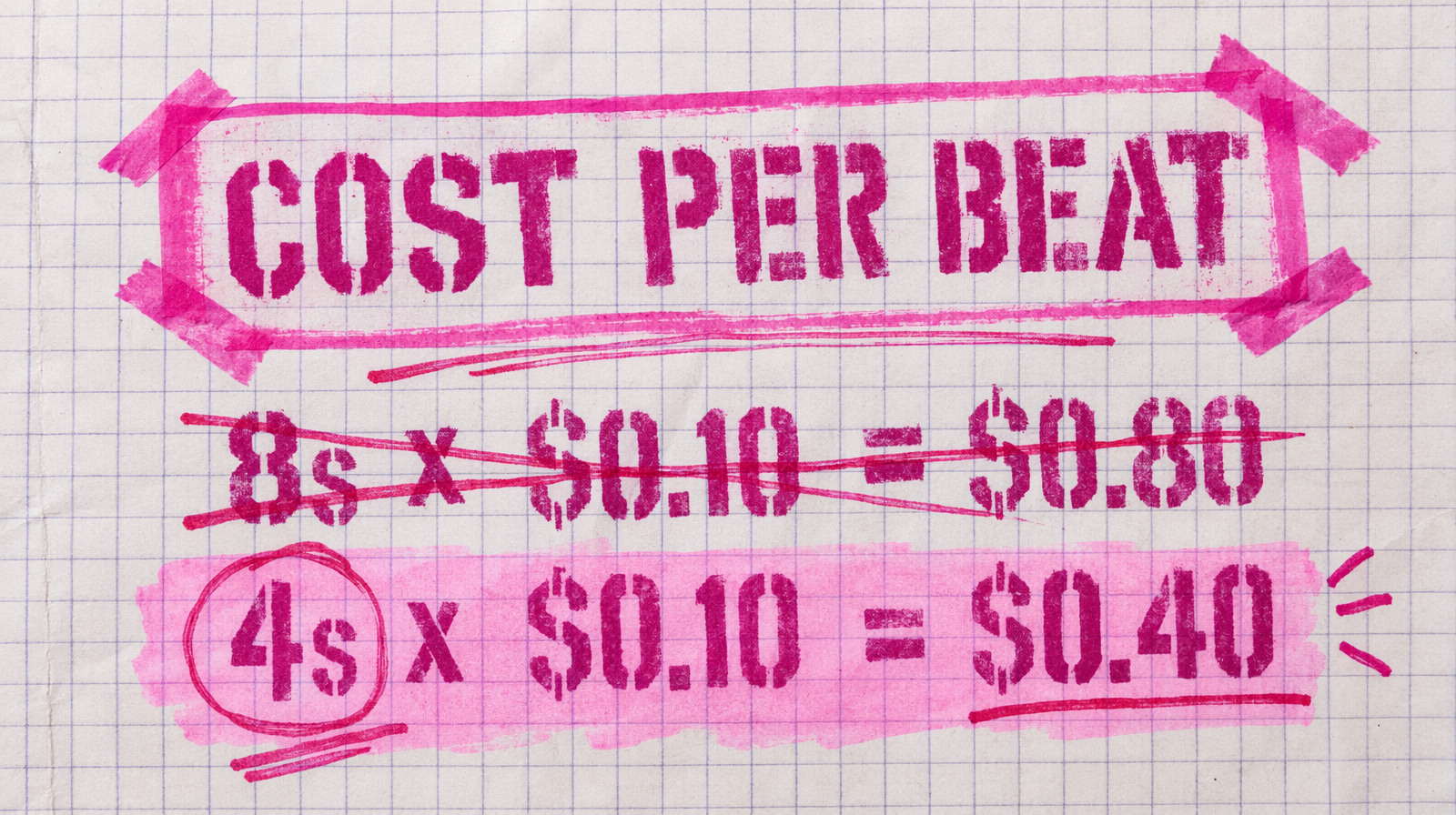
A five beat sequence totalling 13 seconds costs $1.30 on Wan 2.7 and $5.20 on Veo 3 Fast. Use the right tool for each beat instead of one tool for all beats.
Rendering short on purpose
1import fal_client23action_clip = fal_client.subscribe(4 "fal-ai/wan/v2.7/text-to-video",5 arguments={6 "prompt": "a match is struck, bright flare at the tip, smoke curls off",7 "duration": 2,8 "aspect_ratio": "16:9",9 },10)
Two seconds is long enough for a match strike to land. Three would be padding.
When long clips earn their keep
A continuous single take that sells a mood is worth a 6 or 8 second render. Wide landscapes, camera moves that sweep. In those cases you want the full duration because the shot is the payoff.
Everything else, render short. Your edit gets tighter, your cost drops, and your renders land in the timeline at the length you actually cut to.