Character Consistency Across Shots: The image_url Trick
Text-to-video drifts character faces between shots. Anchoring each shot on a reference image fixes that for under $0.50 a clip.
Text to video has one very visible failure mode: the face of your character drifts between shots. Shot one gives you a woman with green eyes and a freckle on her left cheek. Shot two gives you almost the same woman, but the freckle is gone and the eyes are brown. Viewers notice.
The fix is not a bigger model or a longer prompt. The fix is to stop describing the character in words and start pointing at a reference image.
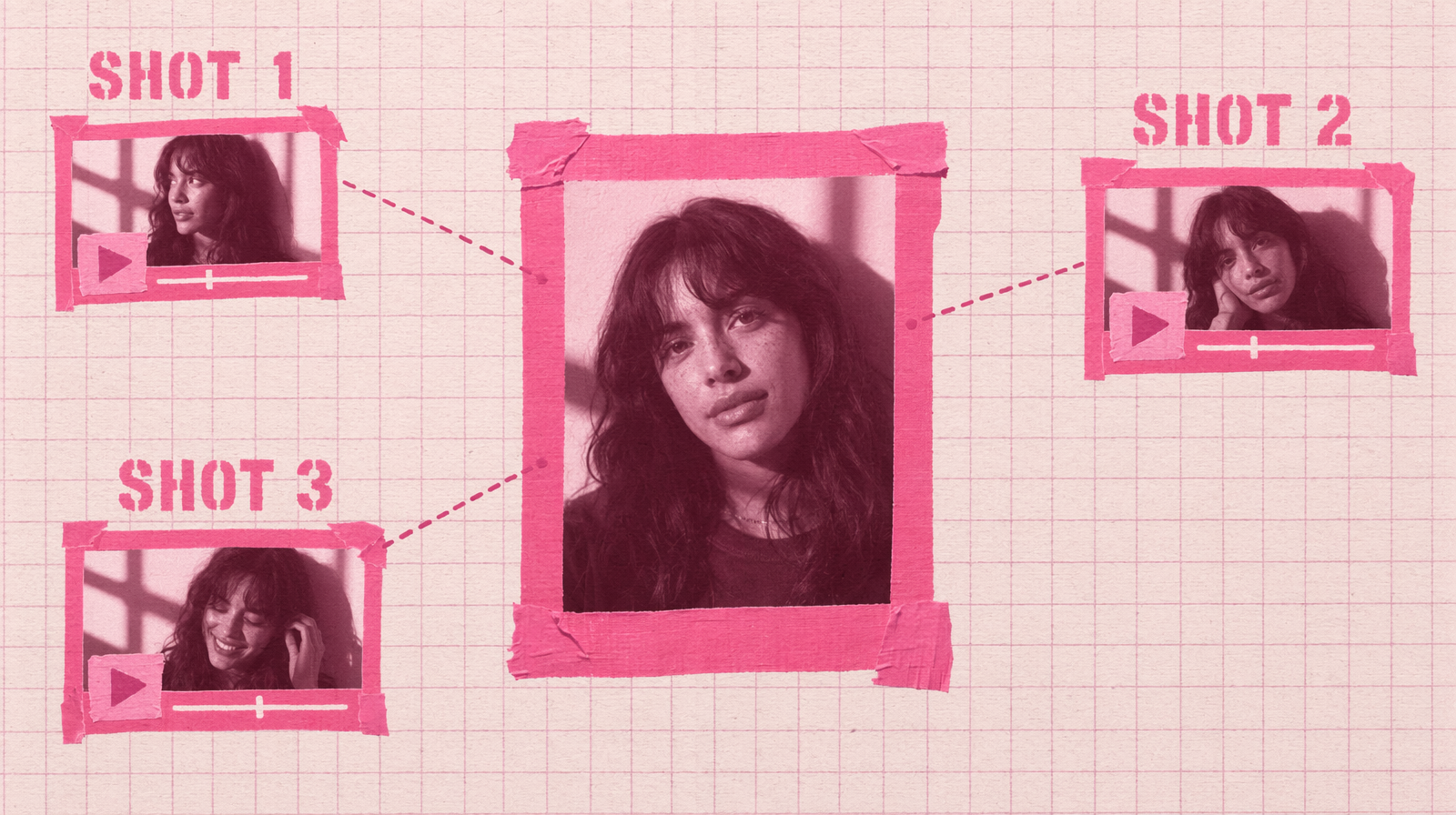
Use image to video, one reference per shot
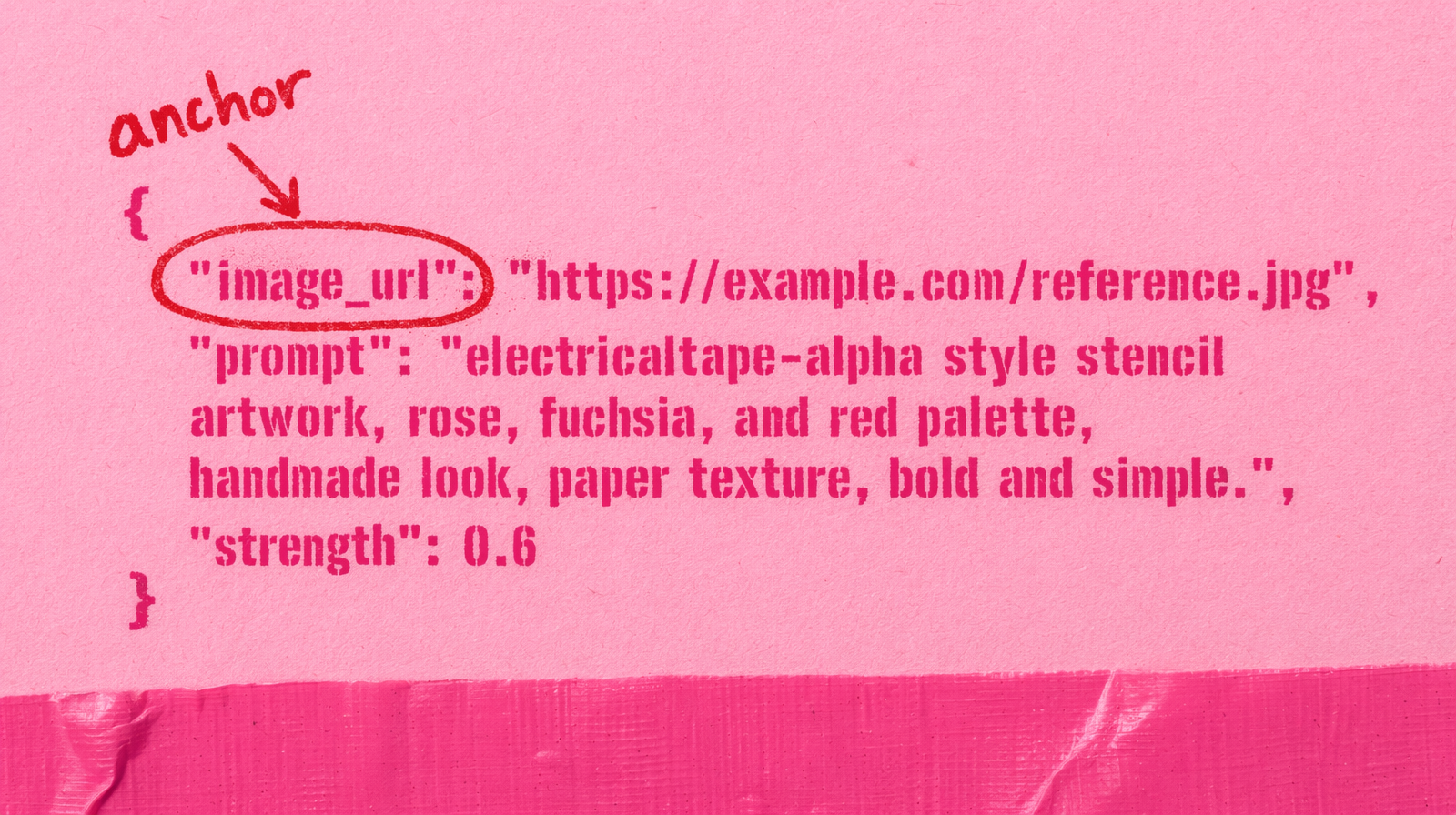
Instead of text to video for every shot, generate or pick one clean portrait of your character. Then use an image to video endpoint. You pass the same image_url to every shot and you change only the prompt around it.
This gets you about 80 percent of the way to consistency for about the same cost as T2V. Kling v3 Pro image to video runs at roughly the same $0.14 per second as its T2V counterpart.
A two shot example
1import fal_client23ANCHOR = "https://storage.googleapis.com/your-bucket/hero-portrait.png"45shot_one = fal_client.subscribe(6 "fal-ai/kling-video/v3/pro/image-to-video",7 arguments={8 "image_url": ANCHOR,9 "prompt": "the woman turns her head slowly toward the window, soft afternoon light",10 "duration": "5",11 "aspect_ratio": "16:9",12 },13)1415shot_two = fal_client.subscribe(16 "fal-ai/kling-video/v3/pro/image-to-video",17 arguments={18 "image_url": ANCHOR,19 "prompt": "the woman walks away from camera down a narrow hallway, fluorescent light flicker",20 "duration": "5",21 "aspect_ratio": "16:9",22 },23)
Same anchor, two completely different shots. The face carries through because the model starts from your pixels, not from a text description the sampler has to imagine.
Picking the anchor image
The anchor you pick will decide 60 percent of the look of every shot. Rules you will thank yourself for:
- Neutral expression. A big smile baked into the reference shows up in every shot whether you want it or not.
- Clean background. Busy backgrounds leak into the generated video as motion artifacts.
- Eye level camera. Extreme angles lock the character into one framing.
- Centered composition. The model gives you the most freedom when the subject sits in the middle third.
Seedream v4.5 or v5 Lite at around a cent per image is the right tool to generate the anchor itself. Three or four attempts, pick the cleanest, then reuse it across every shot in your campaign.
Where it breaks
Back angles and extreme close ups still drift. If the shot never shows the face, the model has nothing to hold on to. For those, either accept the drift or keep a partial face element in frame.
Voice and dialogue do not carry. If your clip has speech, the voice will change across shots on any current model. Handle audio separately with a dedicated TTS pass.
For a five shot sequence at $0.14 per second, five seconds each, you are at $3.50 total. Cheap enough to re-roll any shot where the anchor did not land, and still under $10 for the whole scene.