Versioning Prompts Like Code: A Practical Git Pattern
Prompts drift. A repo-backed approach gives you diff, blame, and rollback for the copy inside your images.
Prompts drift. You tweak one word, a clip improves, you move on. Three weeks later nobody can reproduce the clip you liked, because the prompt that made it is no longer the prompt in your app. Put your prompts in git. It is not complicated, and you get everything that git gives code: diff, blame, branch, rollback.
Why this is not optional
A prompt is code that executes on a remote model. You would not run an unversioned SQL query in production. A prompt with a seed, a model id, and a set of parameters is the same shape of artifact. Treat it that way.
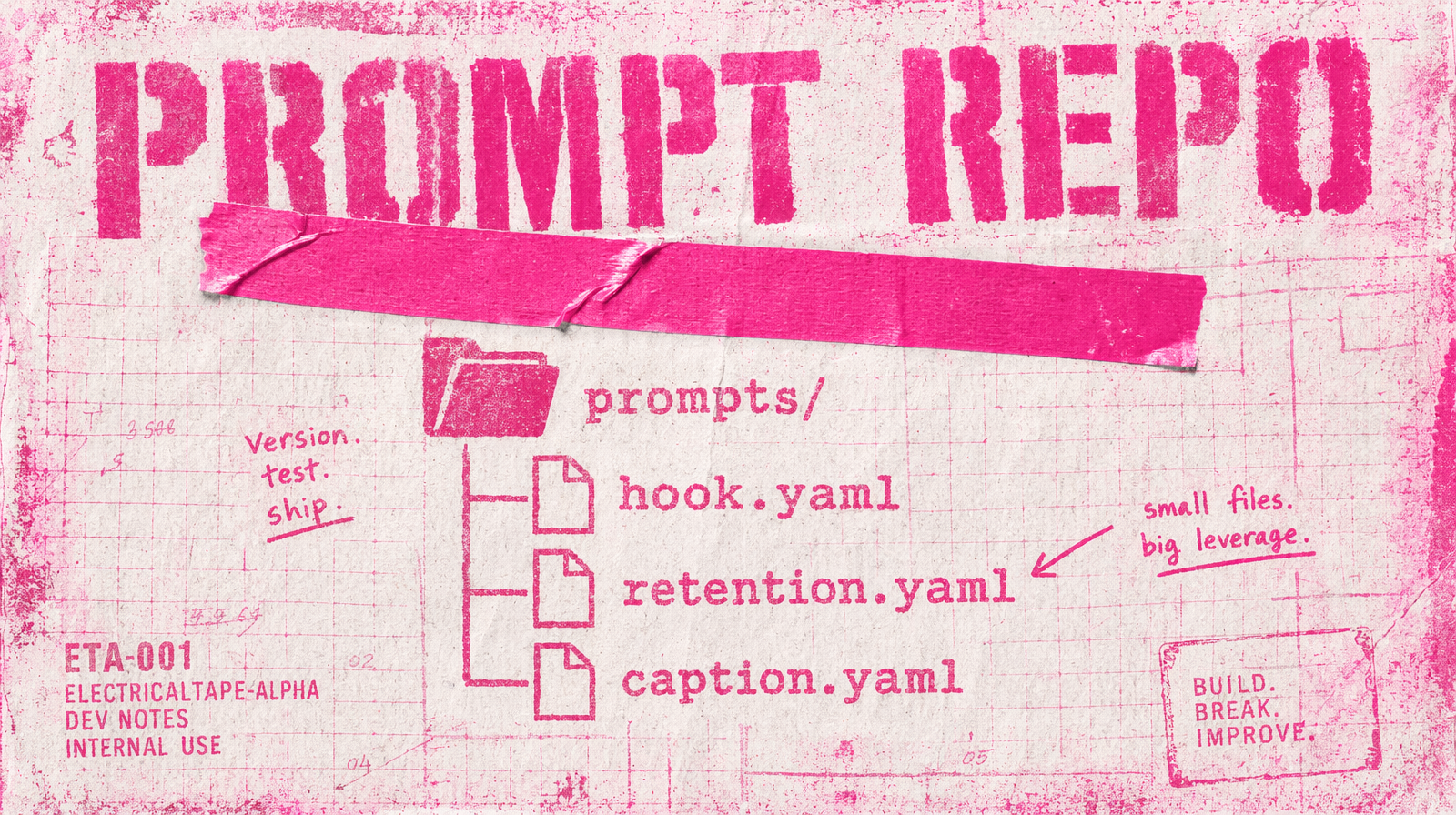
The layout
A single prompts/ directory at the root of your repo. One file per named prompt. YAML or JSON, your pick. Include the model id, the parameter set, the prompt body, and a version tag. Never embed the prompt body directly in your application code.
1# prompts/hero-sunrise.yaml2id: hero-sunrise3model: fal-ai/wan/v2.7/text-to-video4version: 35params:6 duration: 57 aspect_ratio: "16:9"8 resolution: 1080p9 seed: 4210prompt: |11 A calm coastal morning, golden sunrise over still water,12 camera slow push-in on a single lighthouse, cinematic
Load, do not string-interpolate
Load prompts by id. Never build them from scratch in the call site.
1import { loadPrompt } from "./prompts/loader.js";23const { model, params, prompt } = loadPrompt("hero-sunrise");4const result = await fal.subscribe(model, { input: { ...params, prompt } });
Git gives you the whole workflow
git log prompts/hero-sunrise.yaml shows you who changed what and why. git blame tells you which version of a prompt produced the clip you liked. git revert rolls a bad prompt change back in one command. You already know how to do this, so do it here.
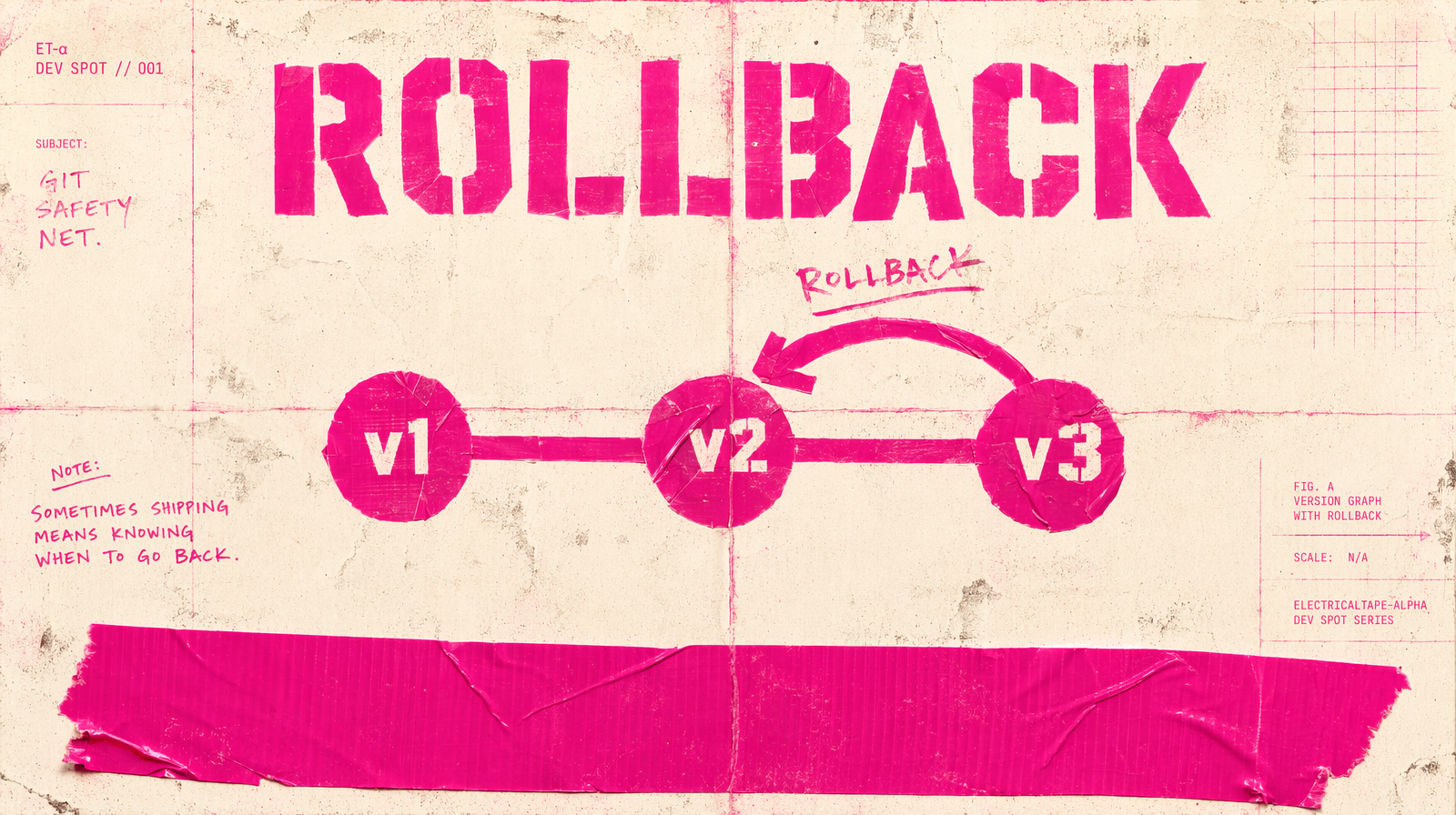
Branching per experiment
A prompt change is a PR. You branch off, commit, push, open a PR with a before-and-after clip pair. CI can even run a small generation on the branch for review. Merged means shipped. No side channel, no DM with a new prompt string.
Versioning the output too
Store the prompt id and version in every generation row in your DB. When a stakeholder says "I want that one again," you look up the row, read the prompt id and version, check it out at that ref, rerun. No detective work.
Where this breaks
If your prompts carry per-campaign variables, treat the variables as parameters and keep the prompt template in git. A template plus a parameter set is still reproducible. A prompt that was assembled by string concat in production is not.
The short version
Prompts in git, prompts loaded by id, versions stamped on every generation row. That is the whole pattern. You spend two hours setting it up, and you stop losing clips.