Storing AI Video: Download Early, Cache Aggressively
Why you should never serve fal.media URLs to end users, and three storage patterns that actually work.
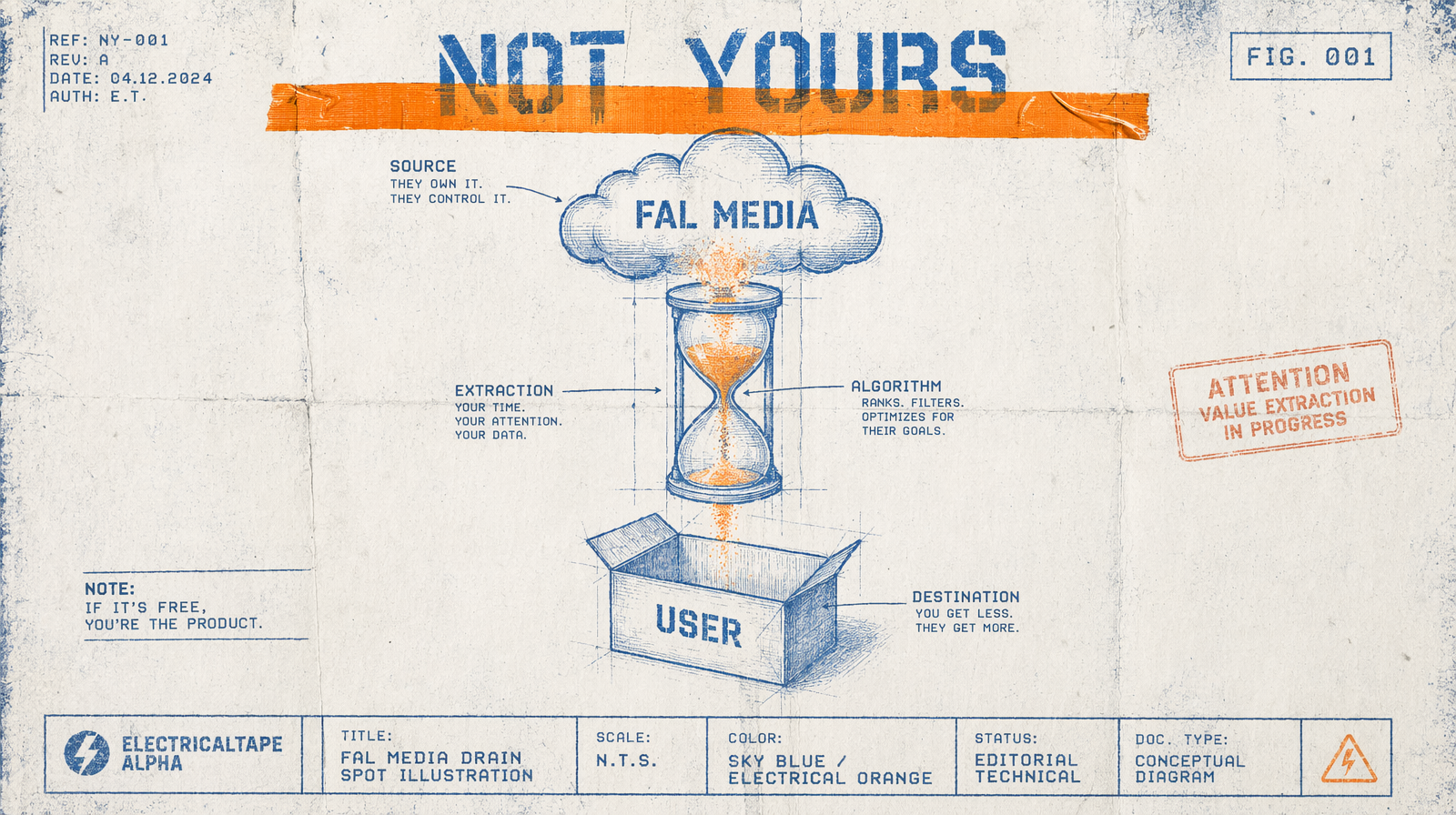
The fal.media URL in your result is persistent for a long time, not forever, and it is not served from your infrastructure. The second you put one in front of a user, you have given fal a dependency on your player and handed your latency numbers to a URL you do not control. Download early, cache aggressively.
Why fal.media URLs are not yours
They are great for development. They are fine for short internal review. They are wrong as the source of truth for your library, wrong for any video that a customer will watch more than once, and wrong for anything that shows up in a feed. Your caching layer is not in front of them. Your analytics are not reading them. If fal rotates its storage, you have a dead catalog.
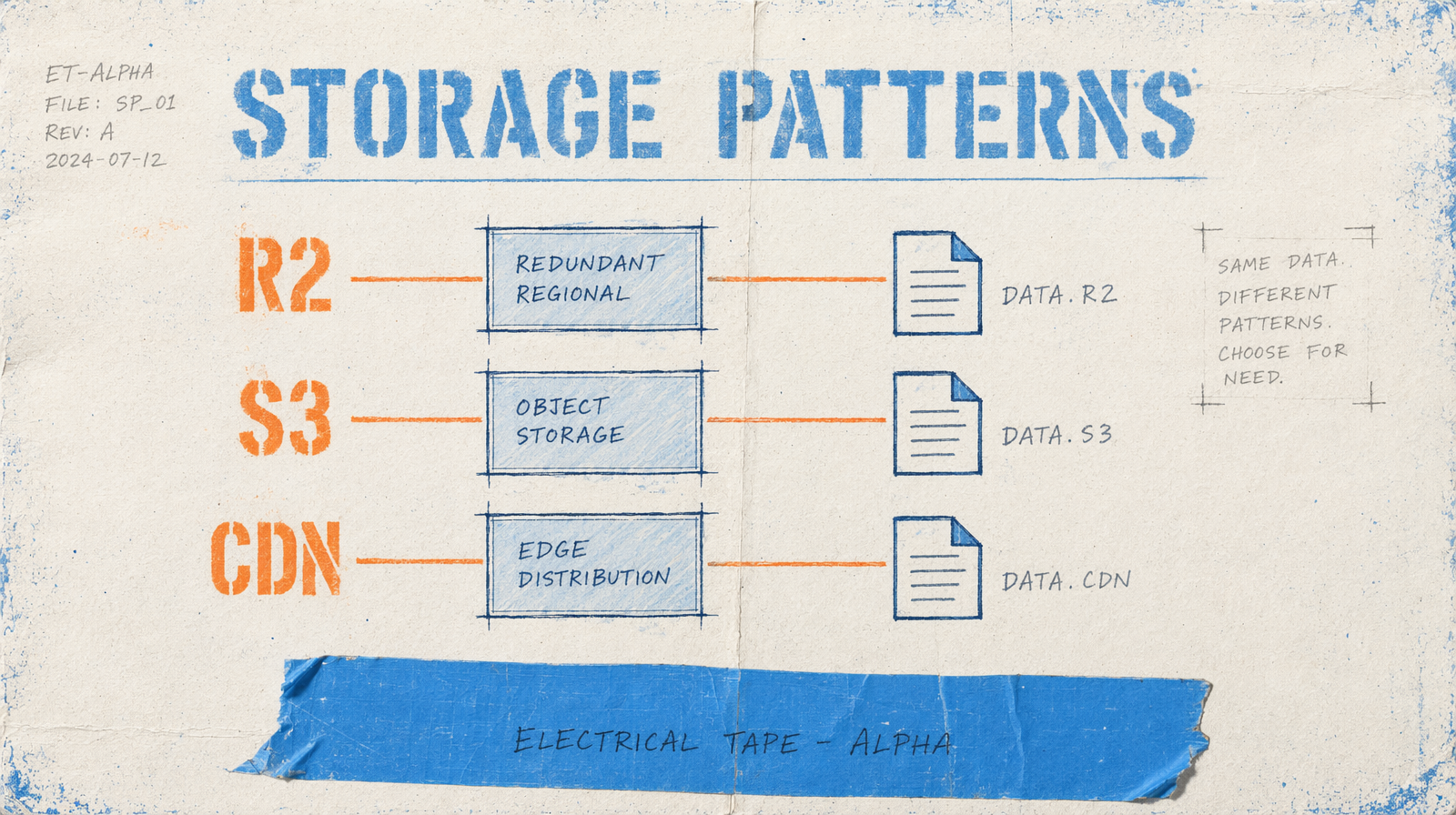
The three patterns that work
Pattern one: download to your own bucket the moment the job completes. A webhook handler that pulls the mp4, pushes to R2 or S3, and stores the final URL in your DB. You never hand fal.media out again after that.
Pattern two: background reconciliation. You keep fal.media for the first 24 hours, then a sweeper job copies every asset older than a day to your bucket. Lower pressure on your submit path, heavier on your storage path.
Pattern three: in-request proxying. Your API returns a signed URL from your own CDN. On first fetch, your edge worker copies from fal.media to origin, caches, and returns. Every subsequent fetch is a cache hit. This is the right pattern if your catalog is long-tail and you do not know which clips will see traffic.
A simple webhook pattern
1export async function POST(req) {2 const { request_id, result } = await req.json();3 const videoUrl = result.video.url;4 const res = await fetch(videoUrl);5 const body = await res.arrayBuffer();67 await r2.putObject({8 Bucket: "clips",9 Key: `${request_id}.mp4`,10 Body: body,11 ContentType: "video/mp4"12 });1314 await db.clips.update({ request_id, finalUrl: `https://cdn.your.app/${request_id}.mp4` });15 return Response.json({ ok: true });16}
What to charge against storage
R2 egress is free within Cloudflare. S3 Standard is about $0.023 per GB per month plus $0.09 per GB egress. A 10-second 1080p mp4 is roughly 15 MB. A thousand clips is 15 GB, or $0.34 per month on S3 for storage alone. Egress can run you more than storage if the same clip plays often.
The metadata row
Every stored clip should have: the request_id, the model, the prompt hash, the final URL, the duration, the created_at. That row is how you answer "which clip came from which prompt" a month later. Never store a fal.media URL as the canonical reference.
When to break the rule
Internal review dashboards are fine on fal.media. Short-lived Slack links are fine. Anything that a user will see, any feed, any marketing page: move it first.