safety_tolerance and auto_fix: Brand-Safe Pipelines
Veo 3.1 exposes two dials that change whether your pipeline ships safe output silently or fails loudly.
Veo 3.1 exposes two knobs that shape how your pipeline handles risky prompts. Set them without thinking and you either ship surprising output or get more failures than you expect. Set them on purpose and your pipeline behaves the way your brand team wants.
The two dials
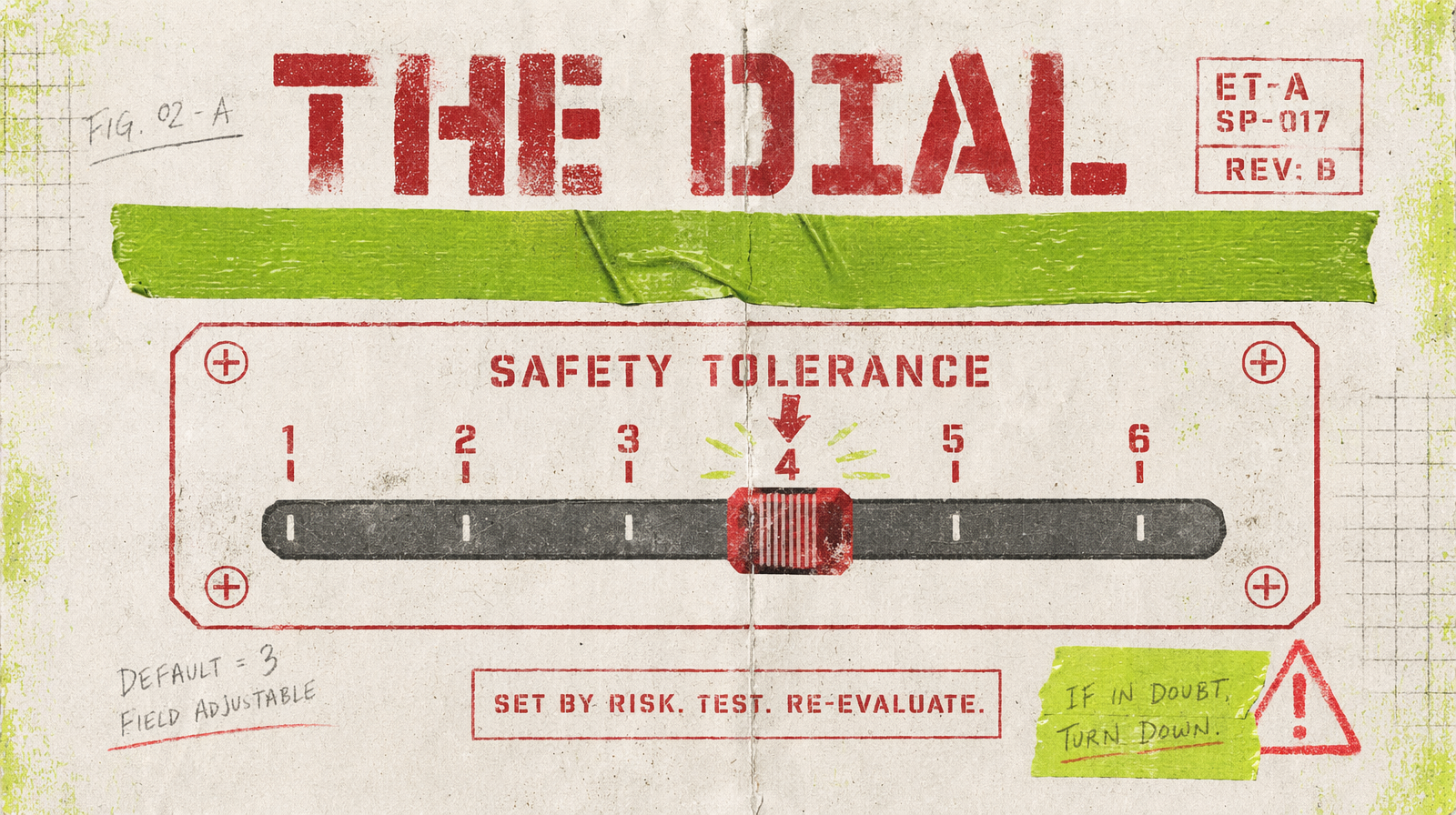
safety_tolerance tells the model how strict to be about potentially sensitive content. Lower numbers mean stricter. auto_fix tells the platform whether to transparently rewrite a prompt that trips the safety layer, or to fail the request outright. They interact: a strict tolerance plus auto_fix on means many rewrites, and a strict tolerance plus auto_fix off means many failed jobs.
The brand-safe default
For brand-facing pipelines, use a strict safety_tolerance and keep auto_fix off. You would rather catch the bad prompt at submit time than ship a video that was silently edited. Failures are loud. Silent rewrites are not.
1const result = await fal.subscribe("fal-ai/veo3.1/text-to-video", {2 input: {3 prompt: "a corporate lobby at sunrise, wide angle",4 duration: 5,5 safety_tolerance: 2,6 auto_fix: false7 }8});
The exploration default
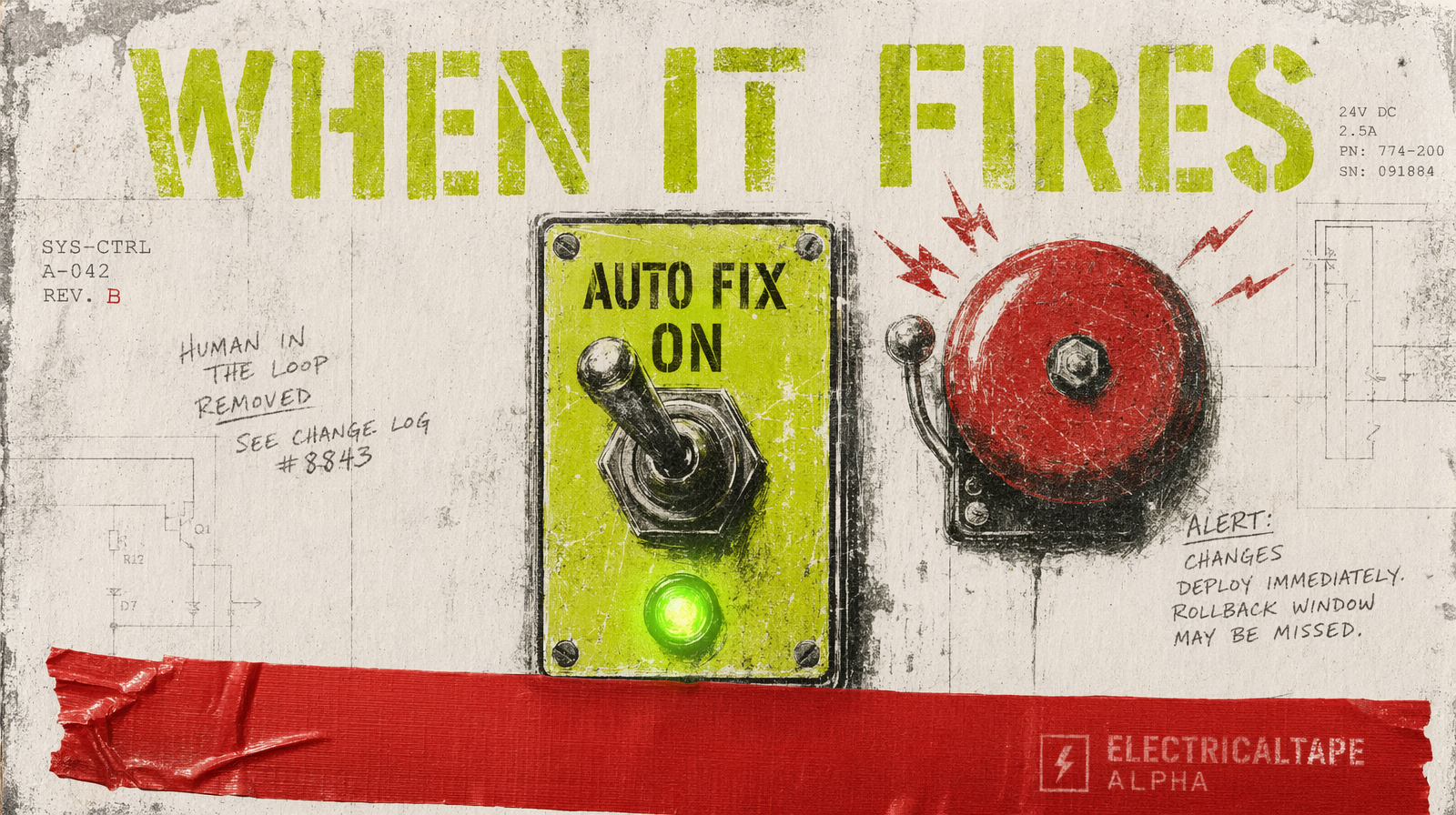
For a creative exploration pipeline where you want to see what the model will do, loosen tolerance and leave auto_fix on. You get fewer hard failures, and the pipeline tells you in the response when a rewrite happened.
Read the response
When auto_fix rewrites a prompt, the response includes the rewritten text. Log it. Diff it against the input. If you ship without reading the actual prompt used, you are not auditable, which for a brand team is the same thing as broken.
1if (result.actual_prompt && result.actual_prompt !== inputPrompt) {2 await db.prompts.log({3 original: inputPrompt,4 rewritten: result.actual_prompt,5 request_id: result.request_id6 });7}
Two pipelines, not one
A common mistake is a single pipeline with knobs flipped per call. That turns every prompt change into a safety conversation. Easier: run two pipelines in parallel. One is brand-safe with strict tolerance and auto_fix off. One is exploration with loose tolerance and auto_fix on. Exploration outputs do not ship without moving to the brand-safe pipeline first.
What to put in review
Every actual_prompt from an auto_fix rewrite goes to a short human review, even if the output clip looks fine. You are confirming that the rewrite did not change your meaning. Once a rewrite is reviewed and approved, save it in your prompts repo so it is the literal text on the next run.
When to disable both
Internal previz and moodboards. You are not shipping. You want speed. Disable safety paths as your platform allows, note the mode in logs, and make sure the output never escapes the previz environment.
One rule to remember
Loud beats silent. If your pipeline fails, you see it. If your pipeline silently rewrites, you only see it when someone notices, which is too late.