Queue-Based Batch Generation Without Blowing Rate Limits
Submit 100 clips in parallel without getting throttled. A pattern for concurrency control with fal.queue.submit.
Rate limits are not a surprise. Rate limits are the feedback loop that tells you your code is submitting faster than your quota allows. The right pattern keeps 20 jobs in flight, reads the queue signals, and never hits a 429 in production.
Why 100 parallel calls break
fal.subscribe is blocking. fal.queue.submit is not. If you fire 100 submissions in a tight loop, you get three outcomes. Either you hit your concurrency ceiling and the 101st call returns an error. Or you get back 100 request IDs and then burn your polling quota chasing them. Or you fire-and-forget and never reconcile which generations landed. All three are bugs.

The pattern, in plain terms
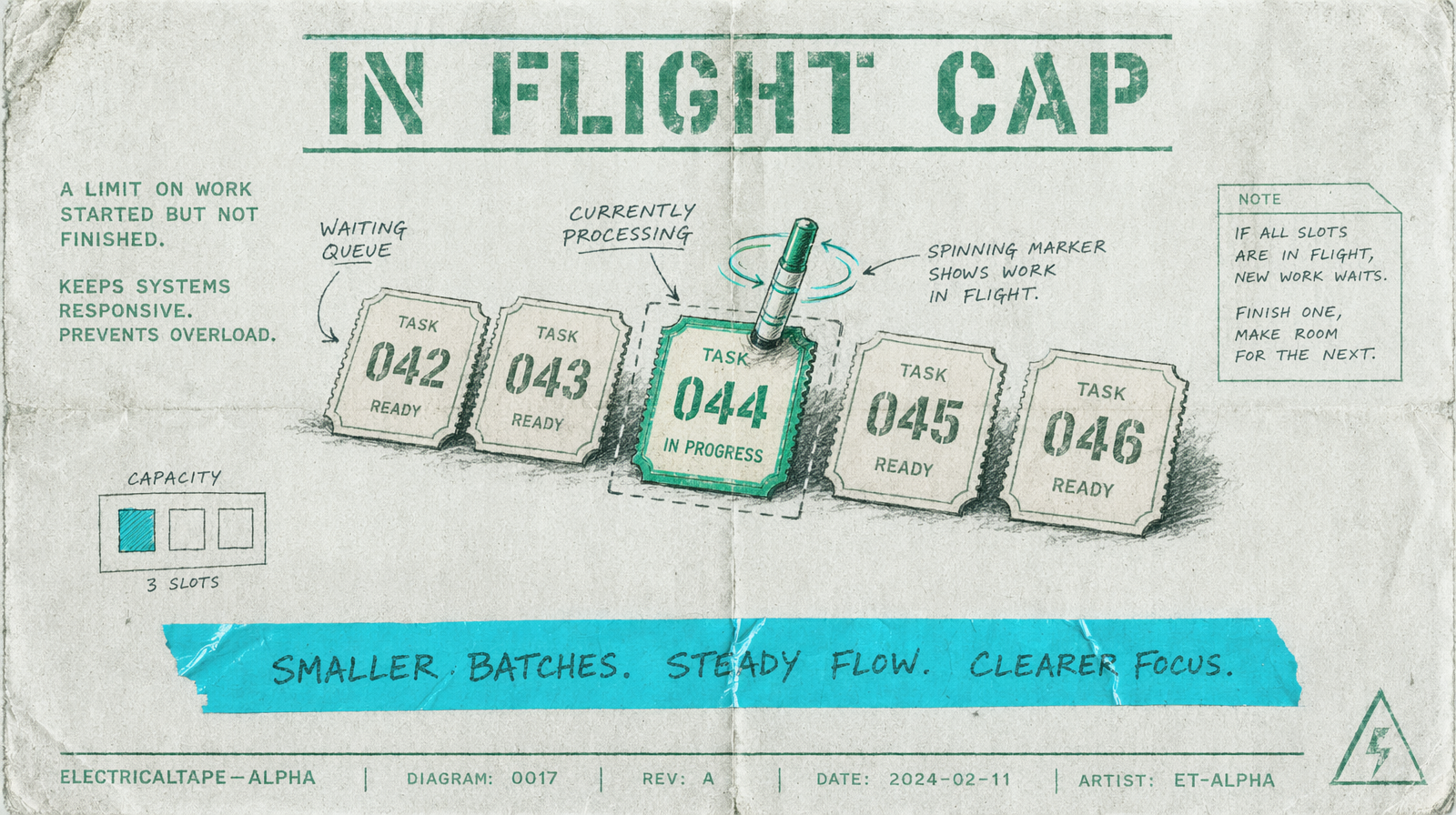
Keep a bounded pool of in-flight jobs. When one finishes, start the next. Track failures separately from completions. That is it. Any library that does concurrency will give you this; p-queue is a common pick in Node.
1import PQueue from "p-queue";2import { fal } from "@fal-ai/client";34const queue = new PQueue({ concurrency: 20 });5const prompts = [/* 100 prompts */];67const results = await Promise.all(8 prompts.map(prompt =>9 queue.add(() =>10 fal.subscribe("fal-ai/wan/v2.7/text-to-video", {11 input: { prompt, duration: 5, aspect_ratio: "16:9" }12 })13 )14 )15);
The concurrency number depends on your account, not the library. Start at 10. Measure. Raise until you see throttling, then back off by 20 percent.
Why not just Promise.all
Promise.all runs every promise in parallel. That is exactly what you do not want. You want a ceiling.
Queue submit plus polling
For very long batches, move to fal.queue.submit. You get a request ID back in milliseconds. You poll status on your own cadence, which lets you pause, redeploy, and resume without losing work.
1const { request_id } = await fal.queue.submit("fal-ai/veo3.1/text-to-video", {2 input: { prompt: "a quiet sunrise over water", duration: 5 }3});45// later, from a worker or scheduled job6const status = await fal.queue.status("fal-ai/veo3.1/text-to-video", { requestId: request_id });7if (status.status === "COMPLETED") {8 const result = await fal.queue.result("fal-ai/veo3.1/text-to-video", { requestId: request_id });9}
How to size your concurrency
Pick a number you can explain. A safe default for a production pipeline is 15 to 20 concurrent Wan 2.7 jobs. Veo 3.1 is heavier; start at 8. Pixverse v6 is light and cheap; 30 is fine. When a job takes 60 seconds and you run 20 in parallel, you land 20 clips per minute, which is usually faster than your review team can handle.
What to log
Log the request ID, the model, the concurrency at time of submit, and the completion timestamp. When throughput drops without an obvious cause, that log tells you whether you got slower or the queue got longer.