End-to-End: A Script to Shorts Pipeline in Under 10 Minutes
A concrete walkthrough of piping a script into a finished vertical video, from first API call to rendered captions.
You wrote a 200-word script at 9 a.m. You want a captioned vertical clip by 9:10. That is not a demo fantasy anymore. You can get there with two fal endpoints, a ffmpeg call, and a caption pass, and your API key. Here is the pipeline you should build first, not the clever one.
What you need before any code runs
A script in plain text. Speaker noted on each line. Five to eight beats, no more. Vertical means 9:16 at a 1080 by 1920 target. Hold that target in your head, it changes every downstream choice.
Step one, scene selection
Read your script and highlight the two or three lines that carry the hook. The first two seconds decide whether the viewer keeps watching, so your hook line becomes shot one. Everything else is support. You are not trying to illustrate every sentence.
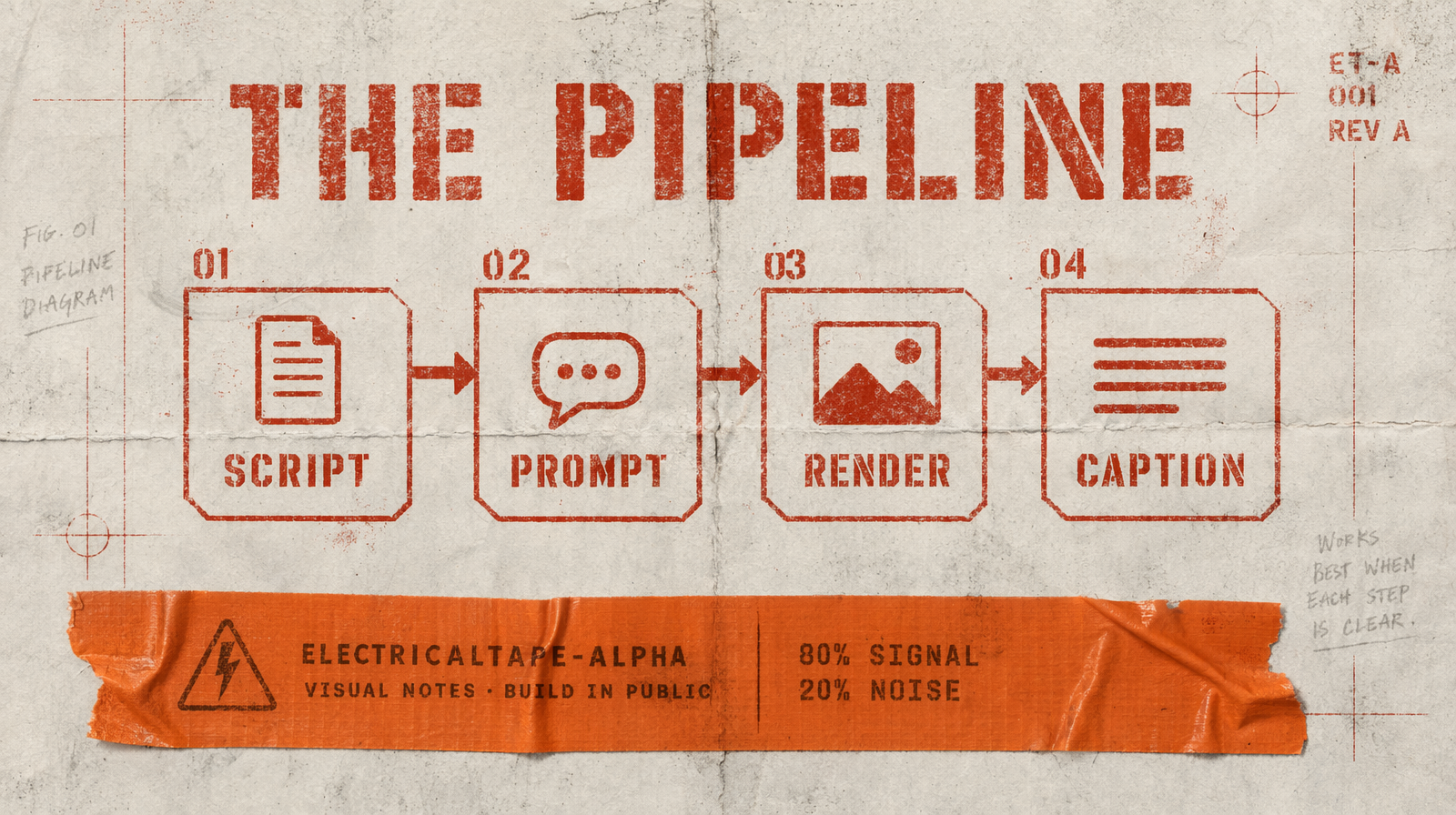
Step two, generate shots
For short vertical, Wan 2.7 at 1080p 9:16 is a reliable default. Five seconds per shot, three shots for a fifteen second ad. Wan 2.7 runs at $0.10 per second, so three five-second shots come out to $1.50 before any retries.
1import { fal } from "@fal-ai/client";23const result = await fal.subscribe("fal-ai/wan/v2.7/text-to-video", {4 input: {5 prompt: "A calm kitchen at sunrise, steam rising from a coffee cup on a wood counter, shallow depth of field",6 aspect_ratio: "9:16",7 duration: 5,8 resolution: "1080p"9 }10});
If you want native audio in one pass, swap the endpoint for fal-ai/kling-video/v3/pro/text-to-video and set generate_audio: true. Kling v3 Pro is $0.14 per second. You pay more, but you drop one editing step.
Step three, stitch and caption
Download each clip the second the job finishes. Do not keep them as fal.media URLs for shipping. Concatenate with ffmpeg, then run captions off your original script, not an ASR pass. You wrote the words, you already have them timed.
1ffmpeg -f concat -safe 0 -i shots.txt -c:v copy -c:a copy out.mp4
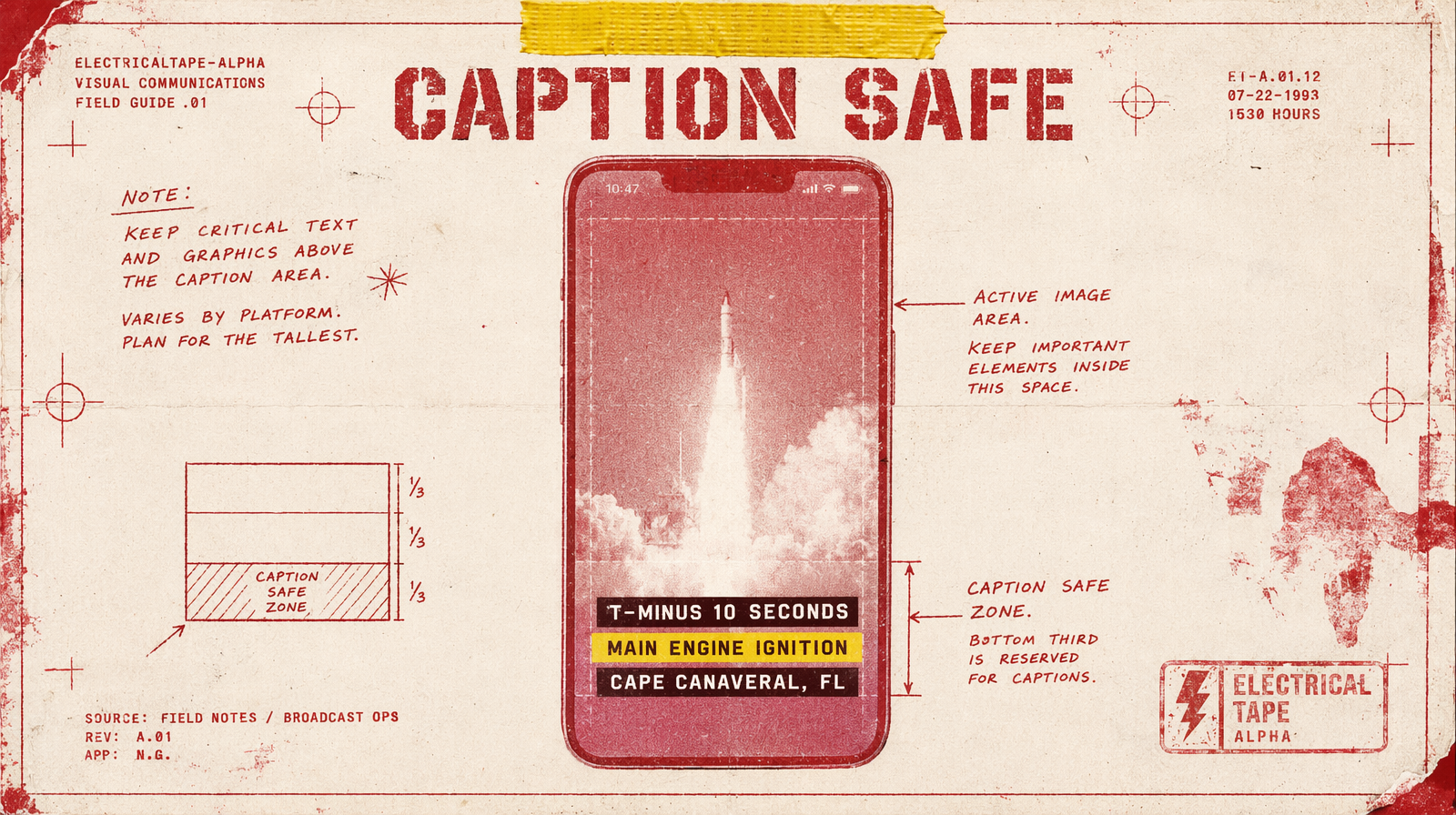
Step four, safe areas
TikTok covers roughly 240px of the bottom with its UI. YouTube Shorts eats a similar amount. Position captions between 65 and 80 percent of height, not lower. If you burn captions inside the video frame, every platform gets one safe file.
Where the ten minutes goes
Two minutes on scene selection. Four to six minutes on generation, since three Wan 2.7 jobs run in parallel. One minute on ffmpeg. One minute on captioning. You are not optimizing wall-clock, you are optimizing your attention, which is a different thing. The first time you run this end-to-end, expect twelve minutes. The second time, expect eight.