Nine Continuity Rules You Encode Before the First Render
Continuity in AI video comes from enforced parameter locks and identity strings, not intuition. Here are the rules in the order you apply them, with the assertion code to enforce each one.
Continuity is not vibes
In live production the script supervisor holds continuity. In AI video, nothing does unless you encode it. Every cross-shot constraint lives in code, constants, config assertions, shared prompt fragments. The model can't remember.
Nine rules in application order. They compound. Apply all nine.
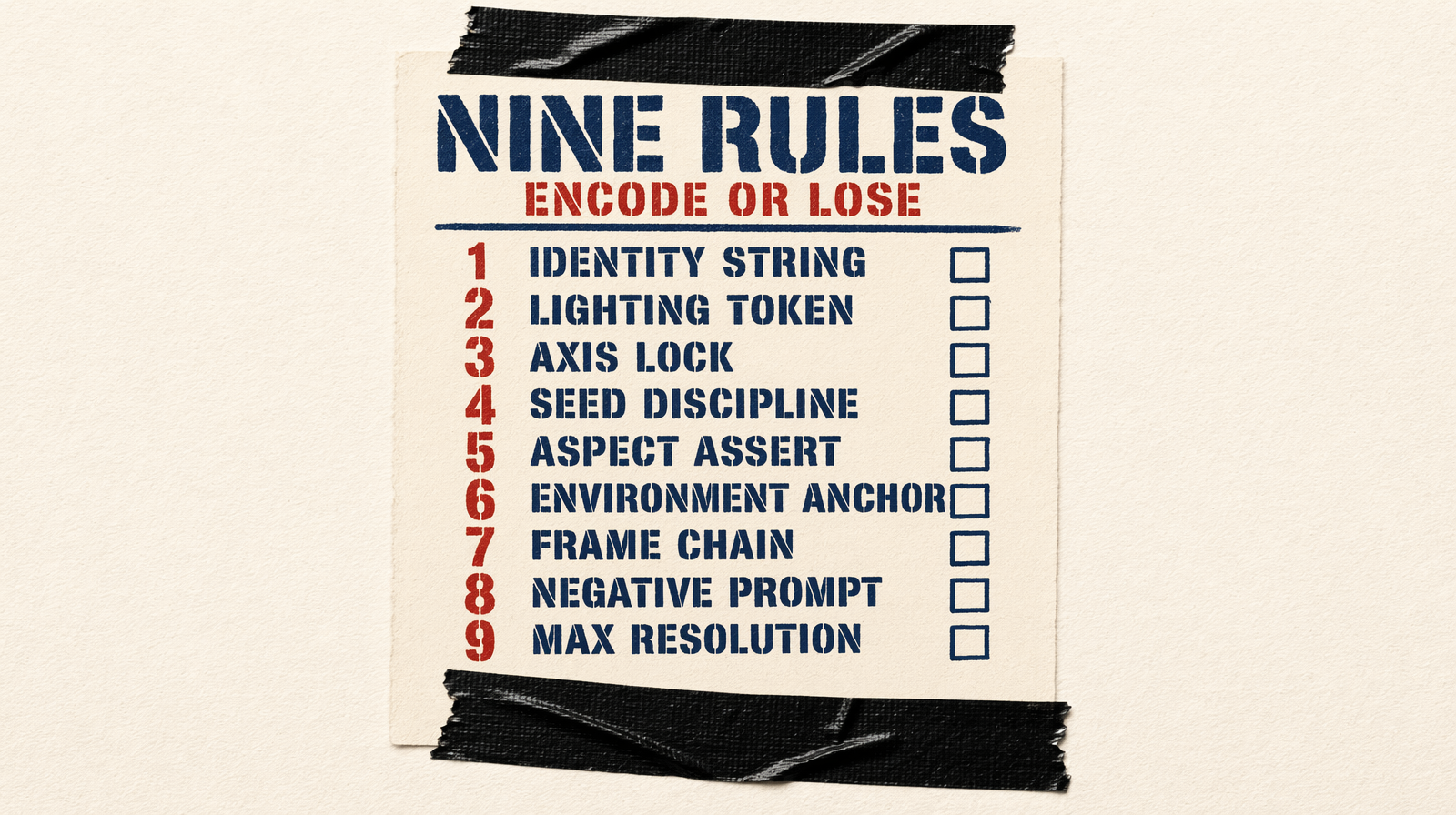
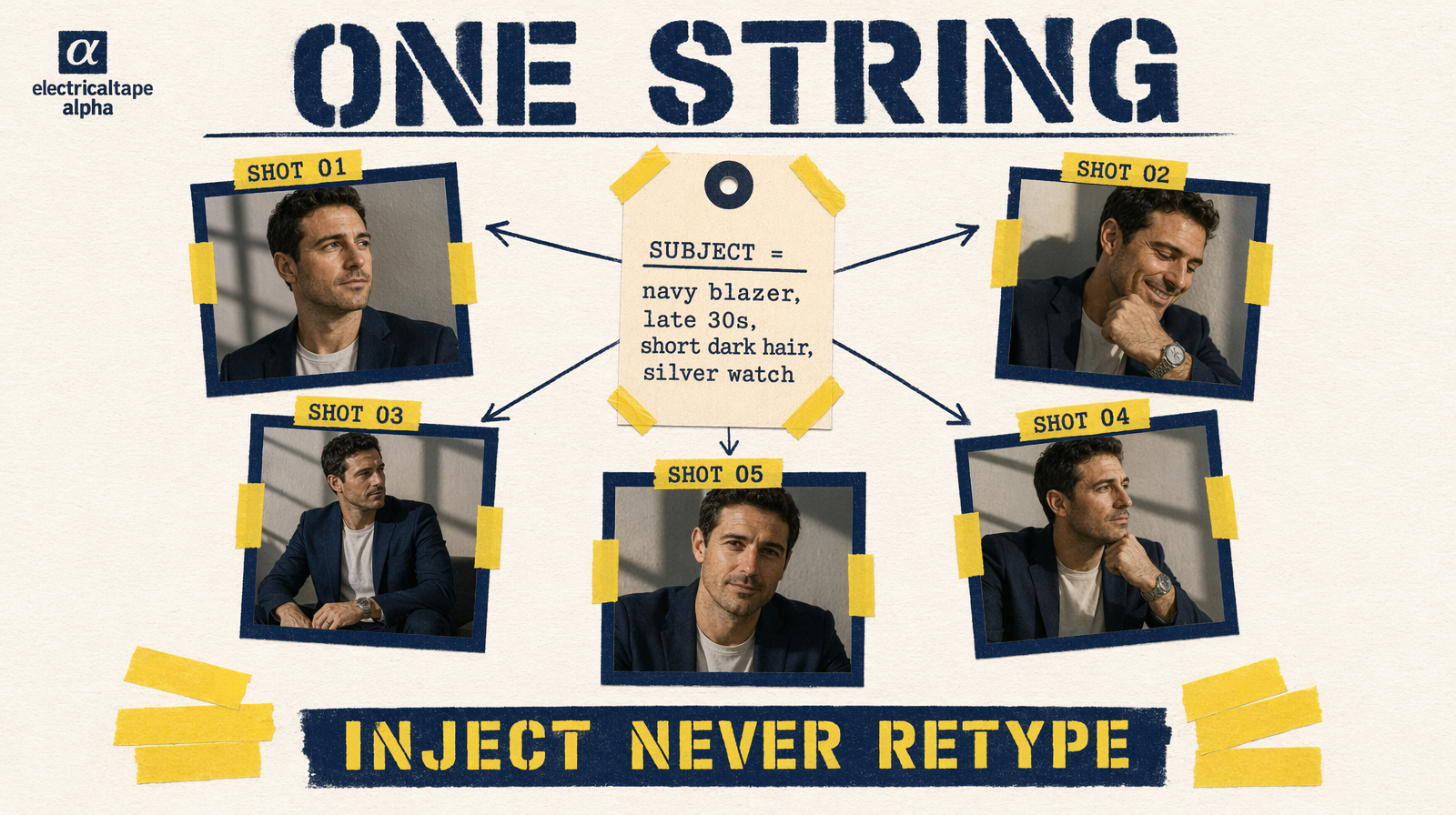
Rule 1: One identity string, injected not typed
Subject description is written once, stored as a constant. Every prompt interpolates it. Typing it twice, even identically, invites typos that produce a different person.
1SUBJECT = "a woman in a navy blazer, late 30s, short dark hair, silver watch on left wrist"2shots = [3 f"{SUBJECT} stands at a window looking out at dusk, {LIGHTING}",4 f"{SUBJECT} turns to face camera with a slight smile, {LIGHTING}",5]
No paraphrasing. The model treats lexical variation as semantic variation.
Rule 2: Locked lighting token
Same pattern. One token, stored once, interpolated every time. Different lighting for narrative reasons gets its own explicit token, not a missing one.
Rule 3: Axis lock
The 180-degree rule still applies. Character A on the left in the establishing shot stays on the left. The model doesn't track this unless you encode it. Use consistent camera-relative language: camera-left, looking toward frame-left. If the sequence crosses the axis, it's because you planned it, not because the model wandered.
Rule 4: Seed discipline
Endpoints with seed, Wan 2.7, Seedance 2.0, Veo 3.1, Pixverse v6/C1, fix the seed for the full sequence. Kling v3 Pro has no seed; skip this rule there.
Fixed seed doesn't make shots identical. It stabilizes incidental subject details. Change mid-sequence and you'll see appearance shift at that shot.
Rule 5: Aspect ratio locked and asserted
Every shot shares aspect ratio. Easy to violate when regenerating one shot with ad-hoc config. Lock in config, assert every call:
1def build_input(shot, config):2 payload = {3 "prompt": build_prompt(shot, config),4 "aspect_ratio": config.aspect_ratio,5 "resolution": config.resolution,6 "duration": shot.duration,7 "seed": config.seed,8 }9 assert payload["aspect_ratio"] == config.aspect_ratio10 return payload
Assertions catch the one time someone did a test render at a different aspect and forgot to revert.
Rule 6: Environment anchor per scene
Shots in one location share an anchor phrase verbatim. Scene changes, anchor changes:
1ENV_OFFICE = "modern glass office, floor-to-ceiling city view, late afternoon light"2ENV_STREET = "wet cobblestone street at night, distant streetlamps, fog"
Background drift within a scene is almost always paraphrased environment. This prevents it.
Rule 7: Frame-chain transitions where supported
I2V endpoints of Wan 2.7, Seedance 2.0, Kling v3 Pro, and LTX 2.3 accept frame anchors. Kling uses start_image_url; others use image_url. For endpoints without it, bridge with prompt language: continuing from the previous scene, ${SUBJECT} is now ${new location}.
Rule 8: Negative prompts as identity safety net
Endpoints with negative_prompt, Wan 2.7, Veo 3.1, Kling v3 Pro, Pixverse v6, suppress common drift:
1NEGATIVE = "different hairstyle, different clothing, blonde hair, multiple people"
With the identity constant, this catches failures you'd only see in the final cut. Pixverse C1 and Seedance 2.0 have no negative prompt, rely on positive prompt and seed.
Rule 9: Generate at sequence max resolution
Every clip shares resolution. Mixing 1080p hero and 720p supporting shots creates a lossy upscale seam. Generate at max; downscale where needed. Downscale is lossless; upscale isn't.
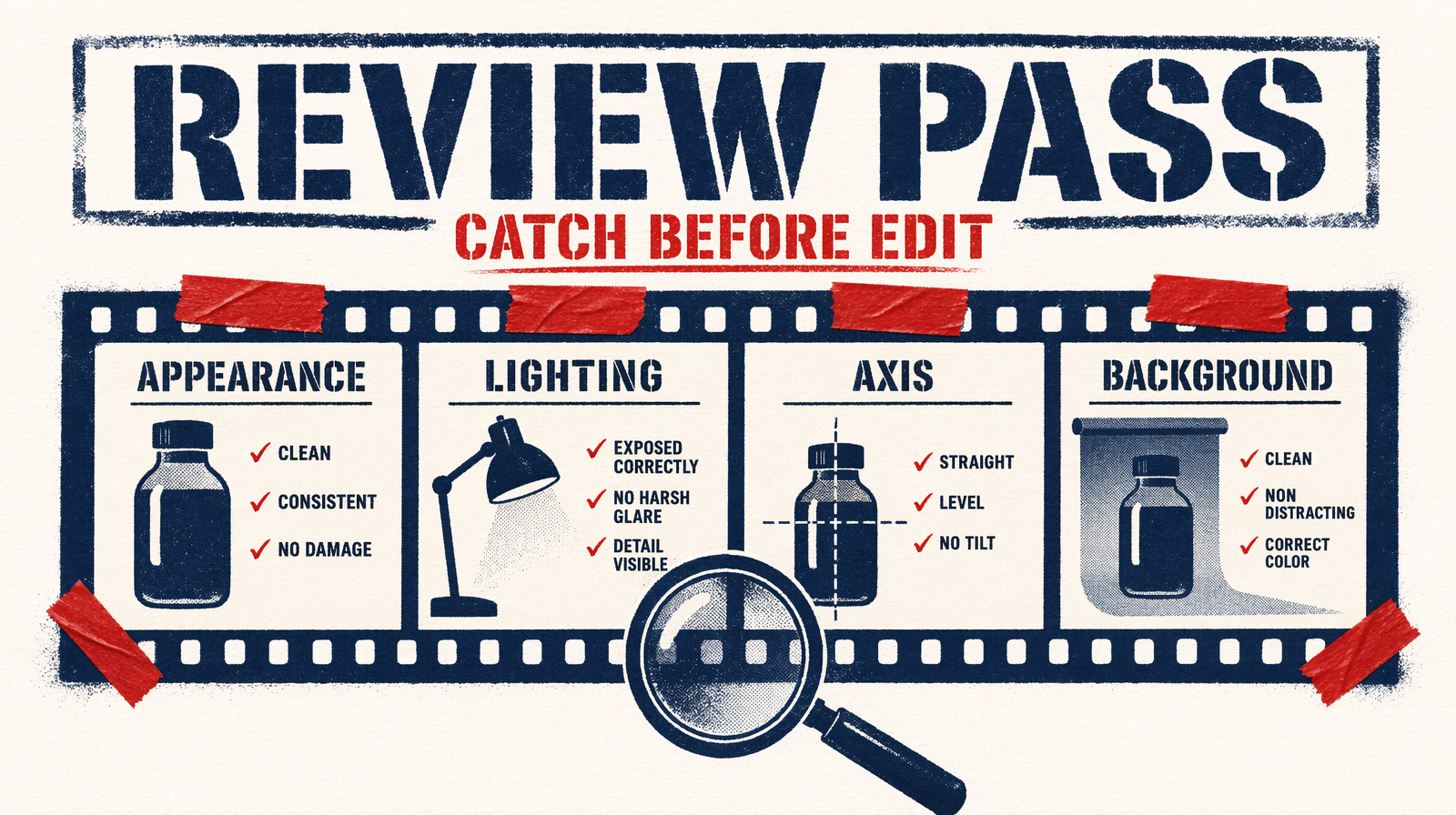
The continuity review pass
After all shots, before editorial, run a dedicated review at 50% speed looking only at:
- Subject appearance, hair, clothing, face
- Lighting color and direction
- Spatial axis and eyeline
- Background within scenes
Separate from quality review. Continuity failures are prompt problems, identity string, lighting token, environment anchor needs fixing, not model failures needing a re-roll.
Failure mode this catches
Skip one rule. Inject SUBJECT in eight of nine shots, retype on shot five. Shot five has shoulder-length hair. In the final cut the eye jumps to it immediately.
Rules are cheap. Finding a continuity break after the batch costs the shot.