Veo 3.1: Script the Audio Like You Script the Camera
Veo 3.1 generates synchronized 48kHz audio in the same pass as video at $0.40/sec. Prompts that ignore the soundtrack waste a third of what you are paying for.
The audio is not a bonus
Veo 3.1 generates video and audio in a single pass. Not voiceover stitched on. Synchronized dialogue with lip movement, ambient sound tied to the environment, foley keyed to on-screen action. If your prompt only describes what you see, the model fills the audio track with a generic assumption. At $0.40 per second, that is expensive silence to ignore.
You script audio the same way you script camera. In the same prompt. With the same level of specificity.
The four-block prompt that works
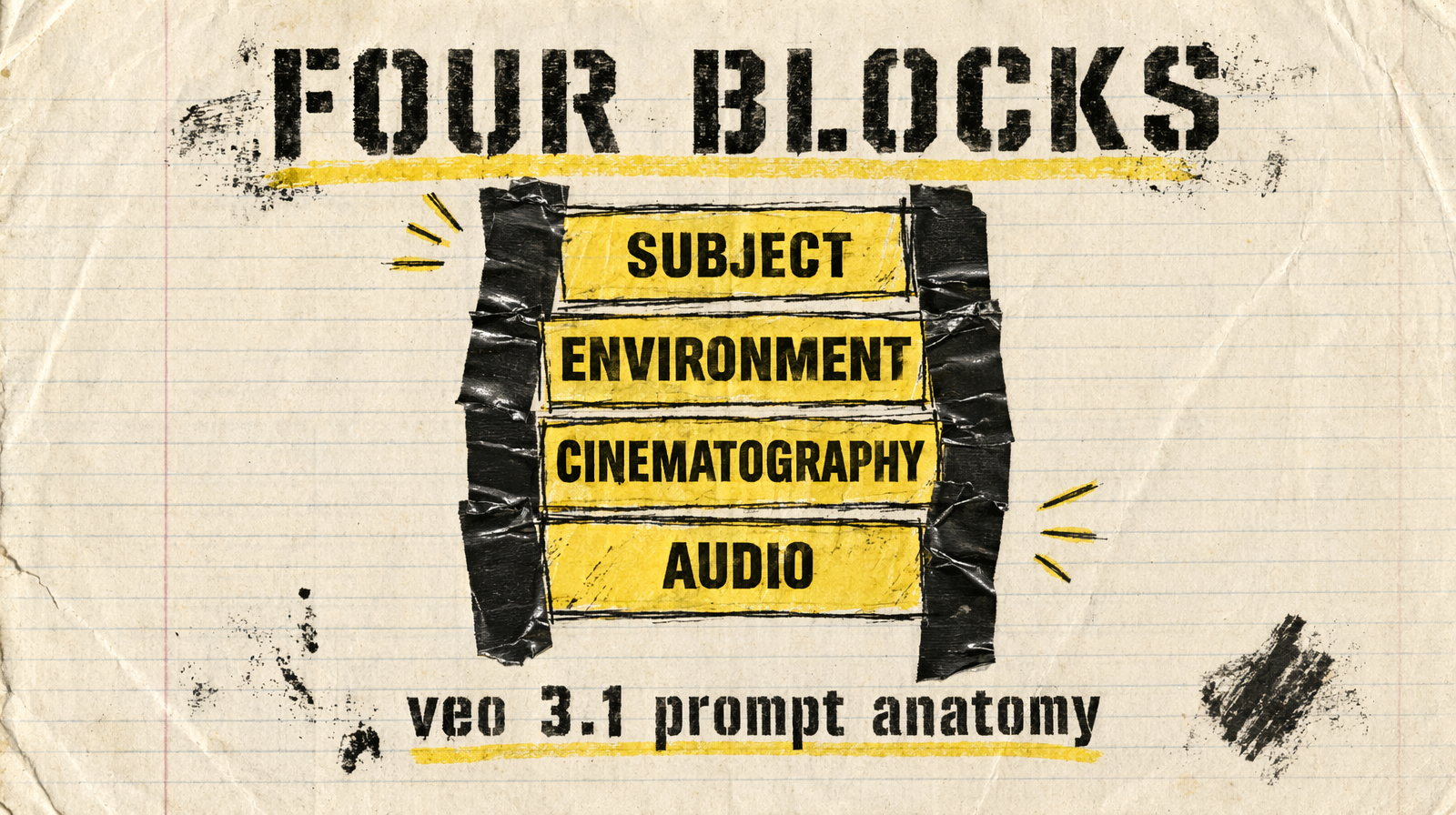
Veo 3.1 is trained on professional film data. It responds to the vocabulary a DP actually uses. Structure each prompt around four blocks, in this order:
- Subject and action, what is happening, told plainly
- Environment, location, time of day, weather, set dressing
- Cinematography, camera move, lens, framing, film stock reference if any
- Audio, dialogue in quotes, ambient description, music direction or the absence of it
You do not need all four on every shot. You need at least three, or the model invents the missing one.
Where the vague prompt fails
Bad:
1A woman walks through the city, beautiful cinematic shot, 4K, amazing quality
What Veo 3.1 does with it: mid-shot of a generic woman, generic city, no specific light, generic footstep audio, probably some ambient music bed it chose on its own. Every seed produces a different "generic."
Good:
1A woman in a charcoal wool coat walks briskly down a rain-slicked Tokyo alley at 2am. Handheld Steadicam follows at hip height, 35mm, shallow focus, Kodak Vision3 500T color science. Audio: her footsteps splashing through puddles, distant traffic hum, no music, the occasional pachinko bell three blocks away.
What the model does with it: the coat actually is wool, the alley is wet and narrow, there is neon motivated from practicals, the audio has the three layers you asked for and no music bed. Seed-to-seed variation stays within the envelope you described.
Audio cues that carry weight
Four patterns the model reads well:
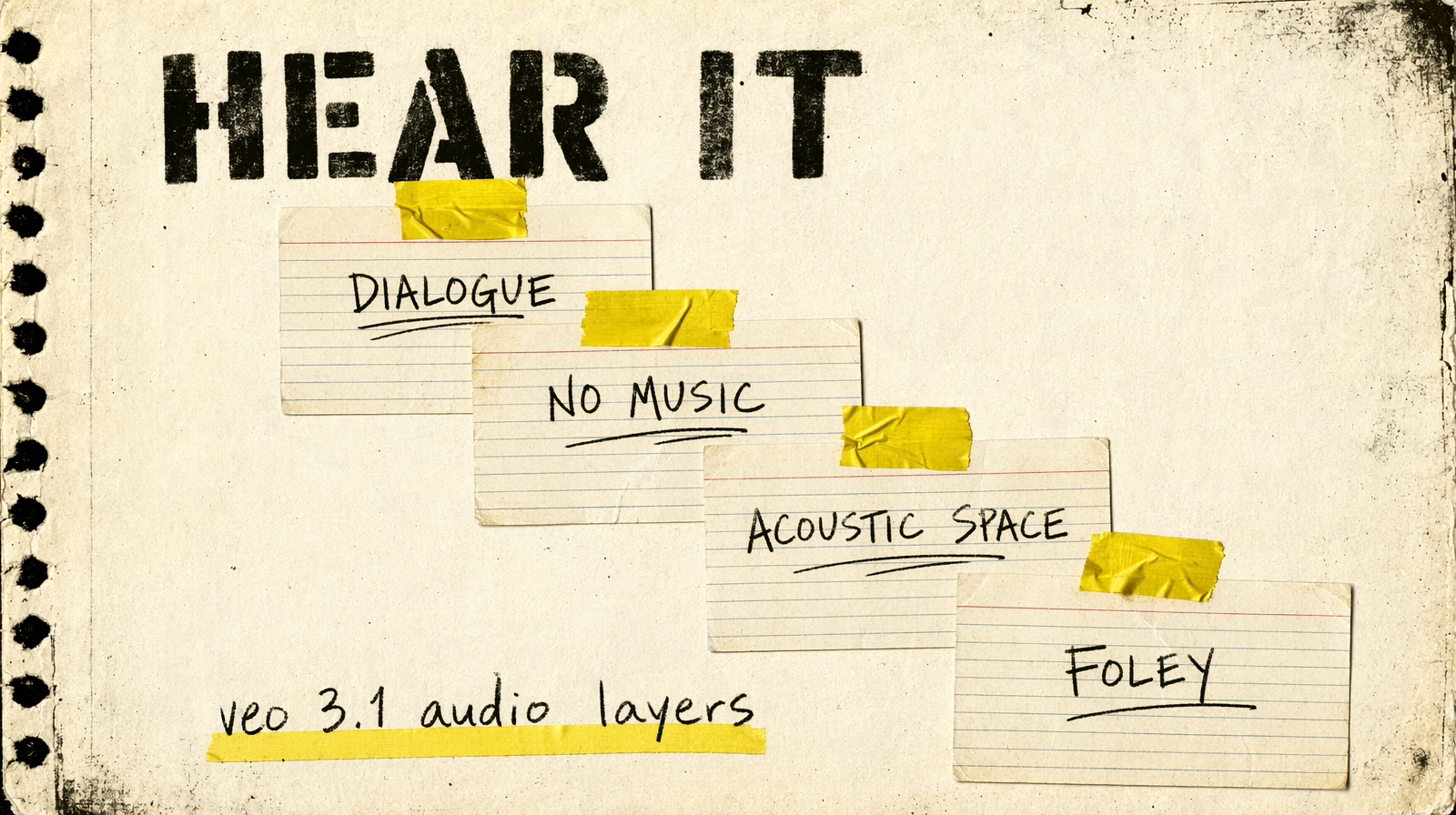
Dialogue in quotes. She turns to camera and says: "That's on the house." Lip sync is genuinely good. Keep lines under 15 words per clip at 8s duration.
Absence of music. no music, only ambient is a real instruction. The model otherwise leans toward scoring everything. If you want silence or just room tone, say so.
Acoustic space. reverberant concrete garage, dampened, carpeted hotel corridor, open windy plateau. Environmental descriptors change how sound is placed, not just what plays.
Specific foley. ceramic mug on wood, match striking against sandpaper, rolling suitcase on cobblestone. Name the material contact.
Where negative prompts actually help
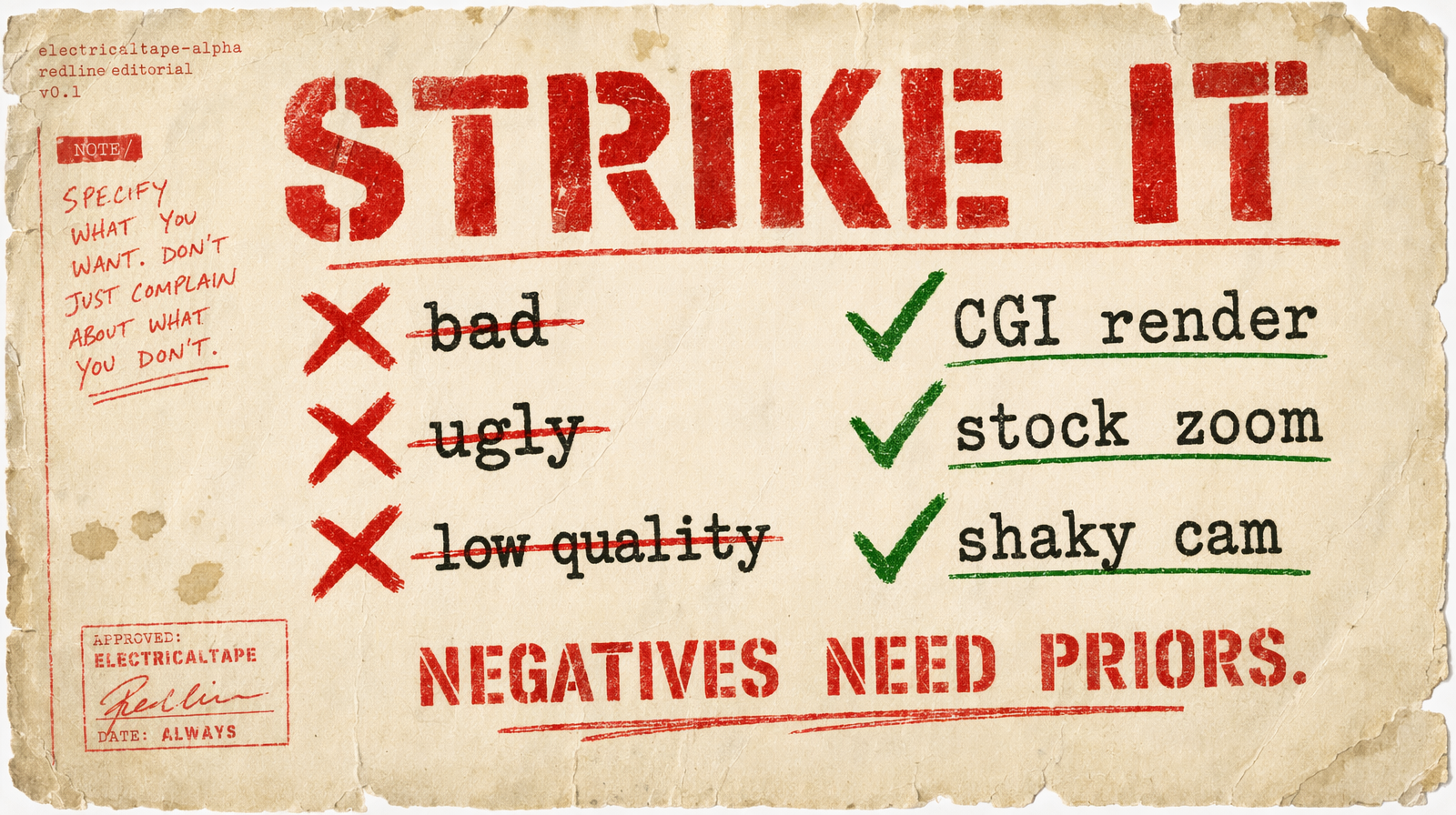
negative_prompt on Veo 3.1 is a lever, not decoration. Use it for:
1negative_prompt: "shaky handheld wobble, overexposed highlights, text on screen, watermark, CGI render, cartoon, stock footage zoom"
What does not help: adjectives like bad, ugly, low quality. Veo 3.1 has no useful prior for these. It does have clear priors for "CGI render" and "stock footage zoom", the stuff that makes AI video look cheap.
The full call
1import { fal } from "@fal-ai/client";23const result = await fal.subscribe("fal-ai/veo3.1", {4 input: {5 prompt: "A chef flames a copper pan, tight close-up rack focus from the flame to her eyes, warm tungsten practicals, 24fps. Audio: oil hiss, pan scrape, brief sizzle, no music.",6 resolution: "1080p",7 duration: "8s",8 aspect_ratio: "16:9",9 generate_audio: true,10 negative_prompt: "shaky cam, overexposed, CGI, watermark",11 safety_tolerance: "4",12 },13});
What to strip out
Film-stock references work. Director name-drops (shot like Fincher) are a coin flip, specific enough you rely on the model's prior for that director's look, vague enough the output varies wildly. Prefer the concrete visual description the director would ask for: hard overhead key, cool teal shadows, deep negative space on frame right.
Duration options on Veo 3.1 are the strings "4s", "6s", "8s". Not integers. If you pass 8, you get a validation error.
At $0.40/sec, iterate on fal-ai/veo3.1/lite at $0.05/sec first. Only commit to full Veo 3.1 after the prompt is locked.