Ambient Audio vs Dialogue: Prompt Priority Rules
When your prompt asks for both, the model picks one. An ordering rule that makes the right choice predictable.
When your prompt asks for both dialogue and ambient sound, the model picks one. Veo 3 Fast has native audio. Wan 2.7 auto generates background music when you do not provide audio. Kling v3 Pro has native audio. Seedance 2.0 has synchronized audio including lip synced speech.
They all prioritize differently. Make the priority explicit in the prompt and you get what you want.
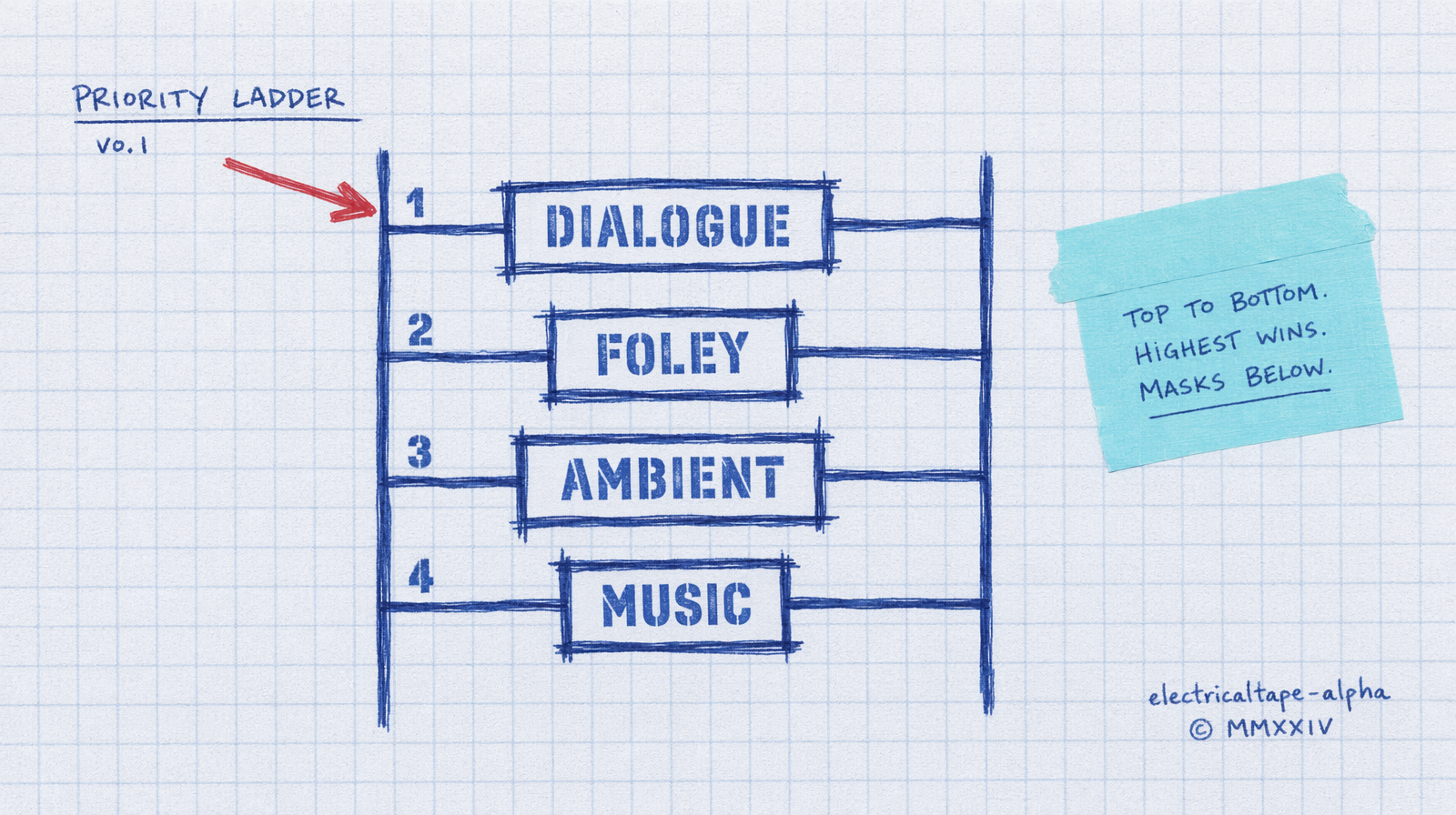
The ordering rule
Put the audio you care most about first in the prompt, and label it.
Bad: "a man on a rainy street says hello to his friend, cars honking, rain falling on the pavement, distant sirens."
The model has five audio cues to pick from. It picks whichever one dominates the visual. Usually that is ambient rain.
Better: "SAY: 'hello, friend.' A man on a rainy street greets another man. Ambient: rain on pavement."
Leading with the spoken line and labeling it is a soft instruction the model picks up. Leading with the ambient makes ambient win.
Veo 3 Fast is the most literal
Veo 3 Fast has a generate_audio flag that is on by default. The prompt pattern works best when you quote the line directly.
1import fal_client23result = fal_client.subscribe(4 "fal-ai/veo3/fast",5 arguments={6 "prompt": (7 "A casual street interview. Person says: 'I've been using fal for "8 "six months and the latency is what hooked me.' Busy sidewalk in the "9 "background, gentle ambient traffic."10 ),11 "duration": "8s",12 "resolution": "720p",13 "generate_audio": True,14 },15)
Quoted dialogue sits at the top of the priority ladder. Ambient sits at the bottom. You can feel it in the output. Clear voice, mixed down background.
Seedance 2.0 handles both
Seedance generates synchronized audio for sound effects, ambient sounds, and lip synced speech. It is closer to a true multi-track model. Even so, you have to write the prompt in order.
1result = fal_client.subscribe(2 "bytedance/seedance-2.0/text-to-video",3 arguments={4 "prompt": (5 "SPEECH: 'Tonight, the kitchen opens at seven.' "6 "A chef ties an apron in a prep kitchen. "7 "FOLEY: pots clanking, knife on board. "8 "AMBIENT: low kitchen hum."9 ),10 "duration": "6",11 "aspect_ratio": "16:9",12 "generate_audio": True,13 },14)
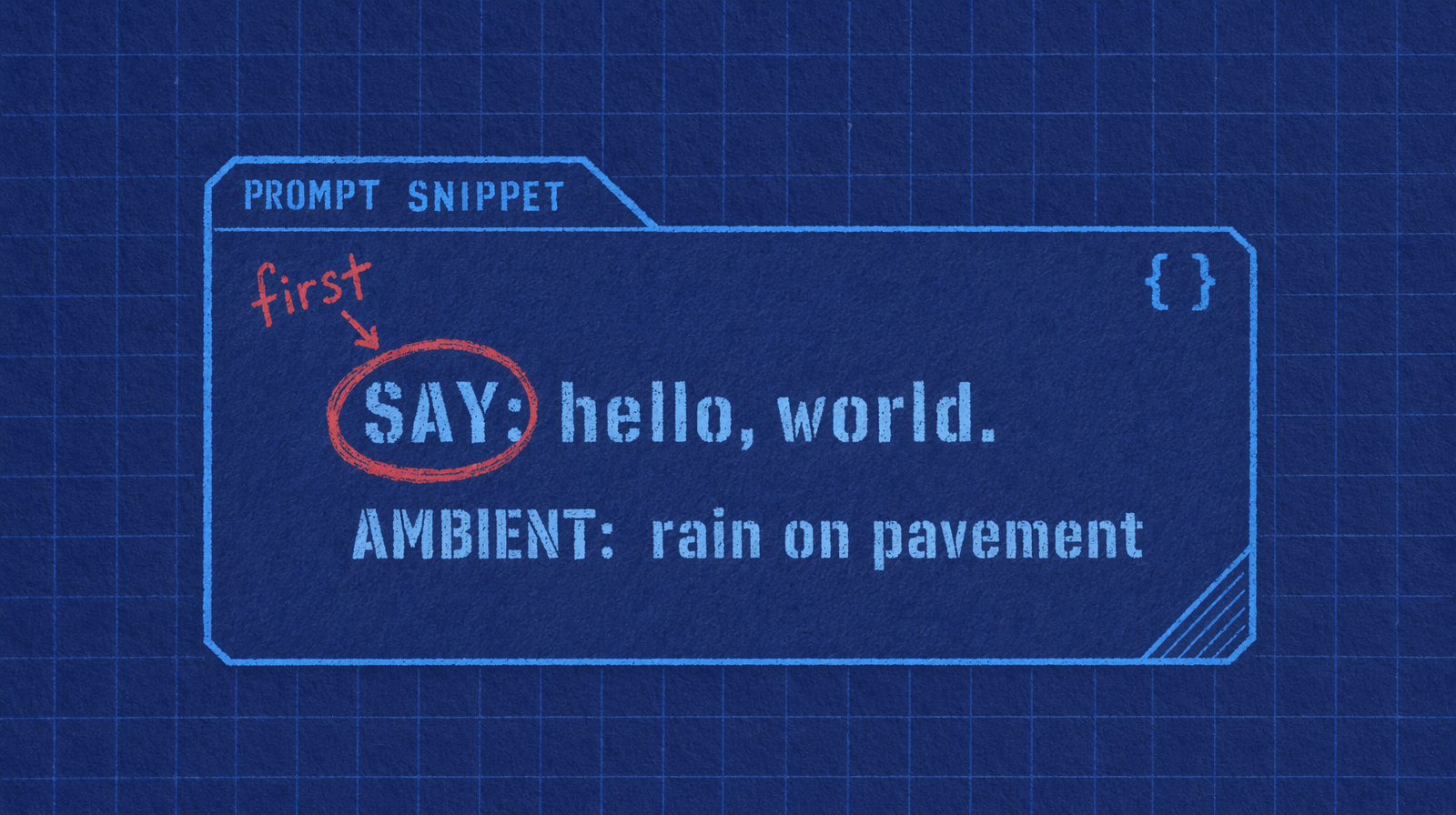
Labels like SPEECH, FOLEY, AMBIENT are not reserved keywords. They are readability flags for you and structural hints for the model. The model keys off the order of mention as much as the labels.
Wan 2.7 is different
Wan auto generates matching background music when you do not pass an audio_url. If you want speech you need to provide driving audio via the audio_url parameter, not prompt it. Know that distinction.
If your pipeline needs dialogue in Wan, split the job: render silent video in Wan, generate speech separately, composite in a second step.
Practical mixing
For a 6 second Veo 3 Fast clip with native audio at $0.40 per second you are paying $2.40. If you can get clean dialogue and usable ambient in a single render, that is cheap. If you need to re-render because the ambient drowned out the voice, you paid $4.80 to get one clip.
The ordering rule is a 30 second change in your prompt that saves you the re-render. Lead with dialogue, label it, keep the ambient short.
When to skip native audio
Brand work where the voice must be a specific voice. Native models cannot yet clone a specific casting choice. Render silent, then dub.
Clips that will be re-voiced in another language. Do not pay for audio you will throw away.
Renders that will sit under a music bed in the final edit. The ambient is wasted.
Pick native audio when the output is the output. Pick silent plus separate TTS when the output is part of a chain.