Building a Negative Prompt Library You Actually Reuse
A project-level negative prompt template saves retries. What to put in the base, what to branch by scene type.
You write the same negative prompt ten times a day. "blurry, low quality, warped faces, extra fingers, jittery motion, text artifacts." Then you forget to include one of them, and a render comes back with six fingered hands, and you learn for the third time that you should have a library.
Build the library once. Reuse it everywhere.
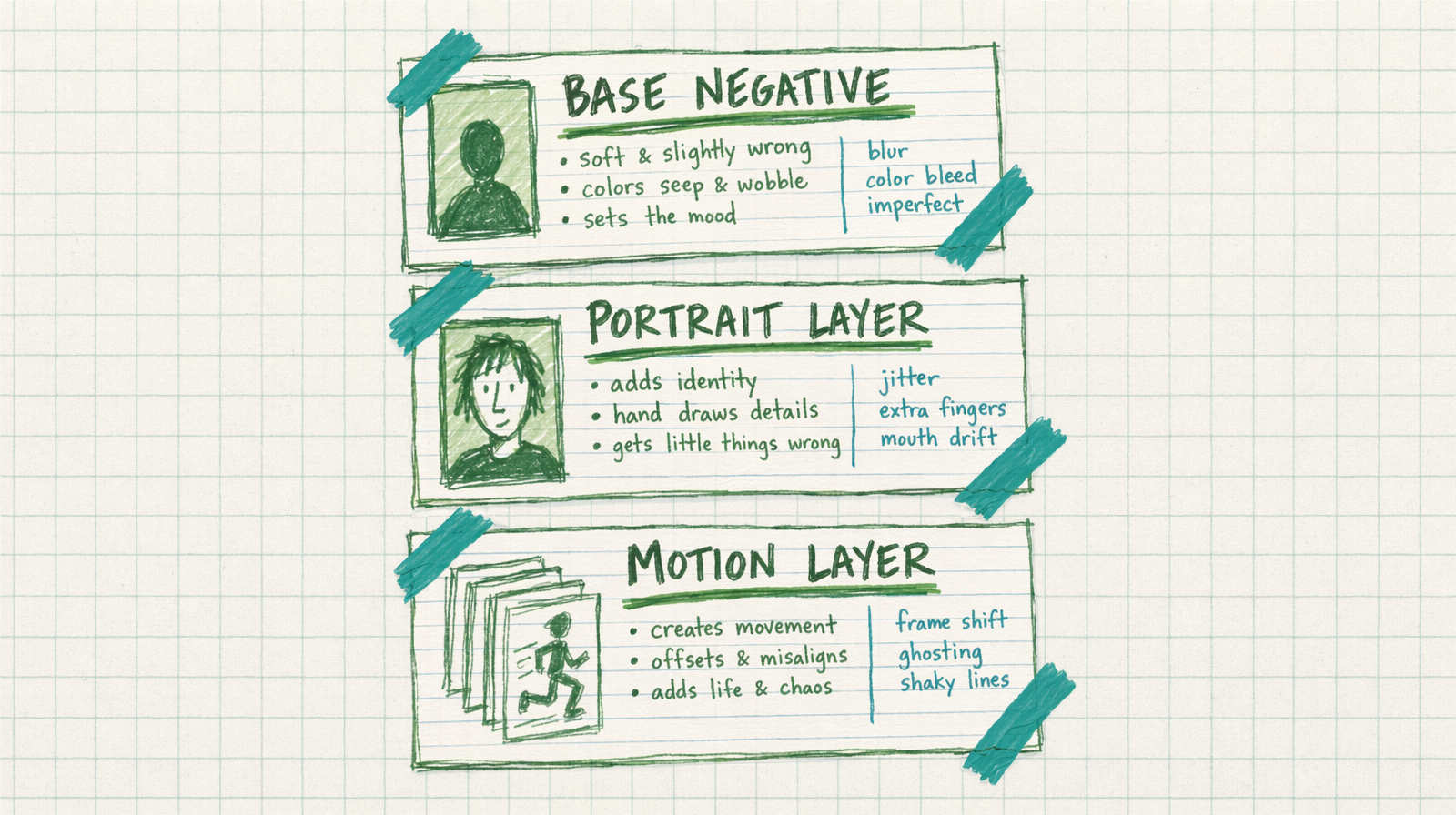
The three layer structure
Base layer: universal things you never want. Applies to every render.
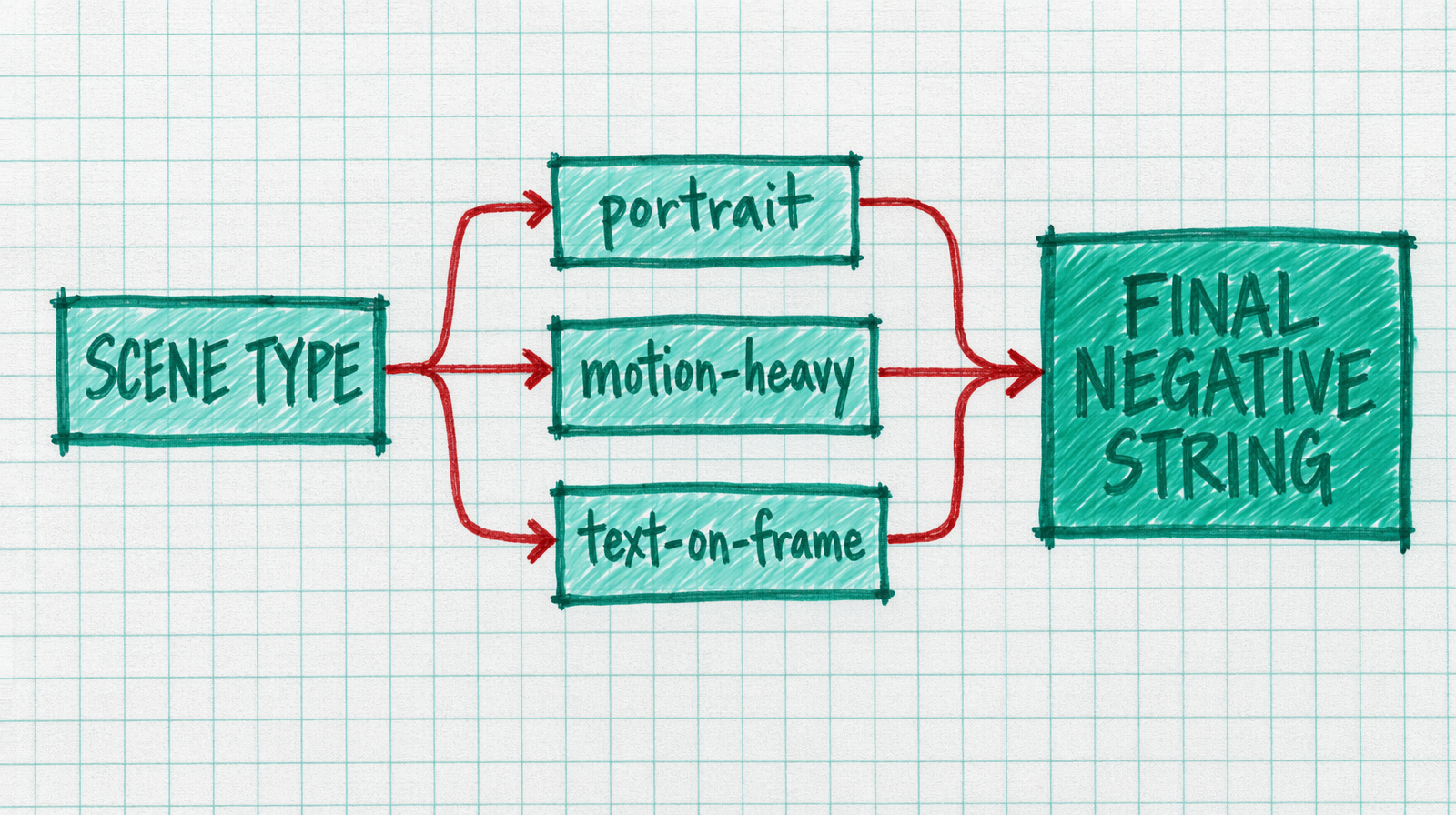
Scene layer: things you do not want for a specific shot type. Portraits have one set, action shots have another.
Project layer: brand or client specific rules. No visible logos, no children in frame, no neon colors.
You compose the final string at call time by joining the relevant layers.
A starting library
1NEGATIVE = {2 "base": "blurry, low quality, low resolution, worst quality, "3 "compression artifacts, watermark, signature, logo, text",4 "portrait": "extra fingers, extra limbs, fused fingers, malformed hands, "5 "deformed face, asymmetric eyes, mouth drift, dental artifacts",6 "motion": "jittery, flicker, frame stutter, juddering, morphing, "7 "warping, unnatural acceleration",8 "text_on_frame": "misspelled text, garbled letters, unreadable text, "9 "floating letters, duplicate text",10 "brand_safe": "nsfw, violence, weapons, alcohol, tobacco, logos, "11 "recognizable faces, children",12}1314def build(scene_keys):15 return ", ".join(NEGATIVE[k] for k in ["base"] + scene_keys)
Wan 2.7 caps the negative prompt at 500 characters. The library above is designed to stay under that ceiling even when you stack three layers. If you overshoot, trim the most generic words first. "low quality" alone does most of the work that "low quality, bad quality, worst quality, poor quality" pretends to do.
Calling it
1import fal_client23scene = ["portrait", "motion"]45result = fal_client.subscribe(6 "fal-ai/wan/v2.7/text-to-video",7 arguments={8 "prompt": "close up on a woman laughing, golden hour window light, warm tones",9 "negative_prompt": build(scene),10 "duration": 5,11 "aspect_ratio": "9:16",12 },13)
What does not belong in negatives
Do not put positive instructions into your negative prompt. "not cartoon" is weaker than putting "photoreal" in your positive prompt. The negative is a filter, not a steering wheel.
Do not include style words you are not sure about. "anime" in negatives will fight you if your prompt has any stylized element. Test removal one word at a time.
Do not use negatives to fix bad prompts. If your render is wrong because your prompt is vague, adding negatives is a bandaid. Fix the prompt first.
When to branch
Branch when you see the same artifact twice in one week. A new negative layer is cheap. A render that ships with extra fingers is not.
Every Wan 2.7 render costs $0.50 for a five second clip. Reusing a library cuts your retry rate roughly in half in practice. That is real money and more importantly real time back in your day.