Pixverse v6: Let the Style Preset Do the Aesthetic Work
Pixverse v6 externalizes style into a dedicated `style` parameter and a thinking-mode toggle. Prompts that describe the look on top of a preset fight the model.
The split that changes prompting
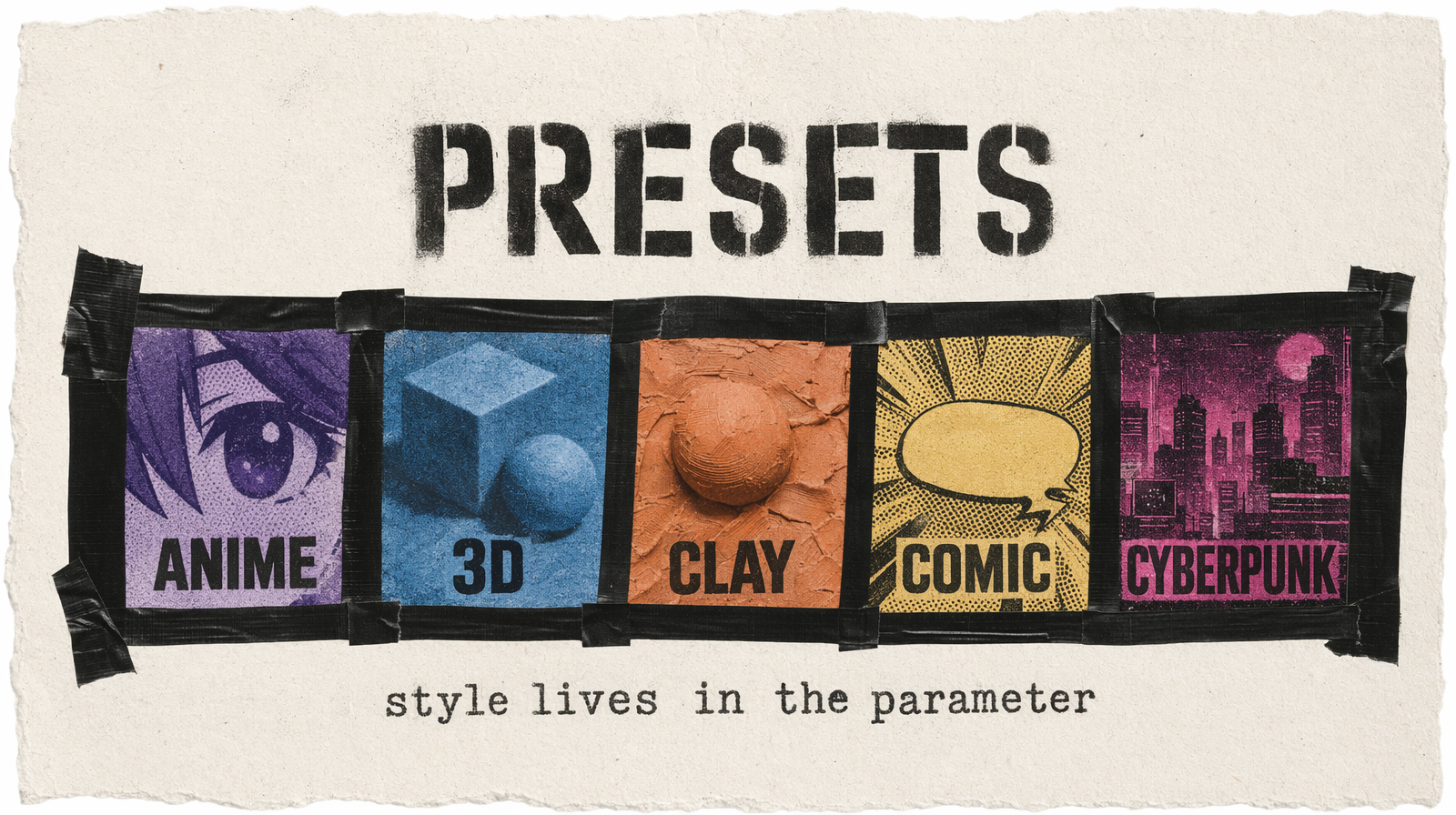
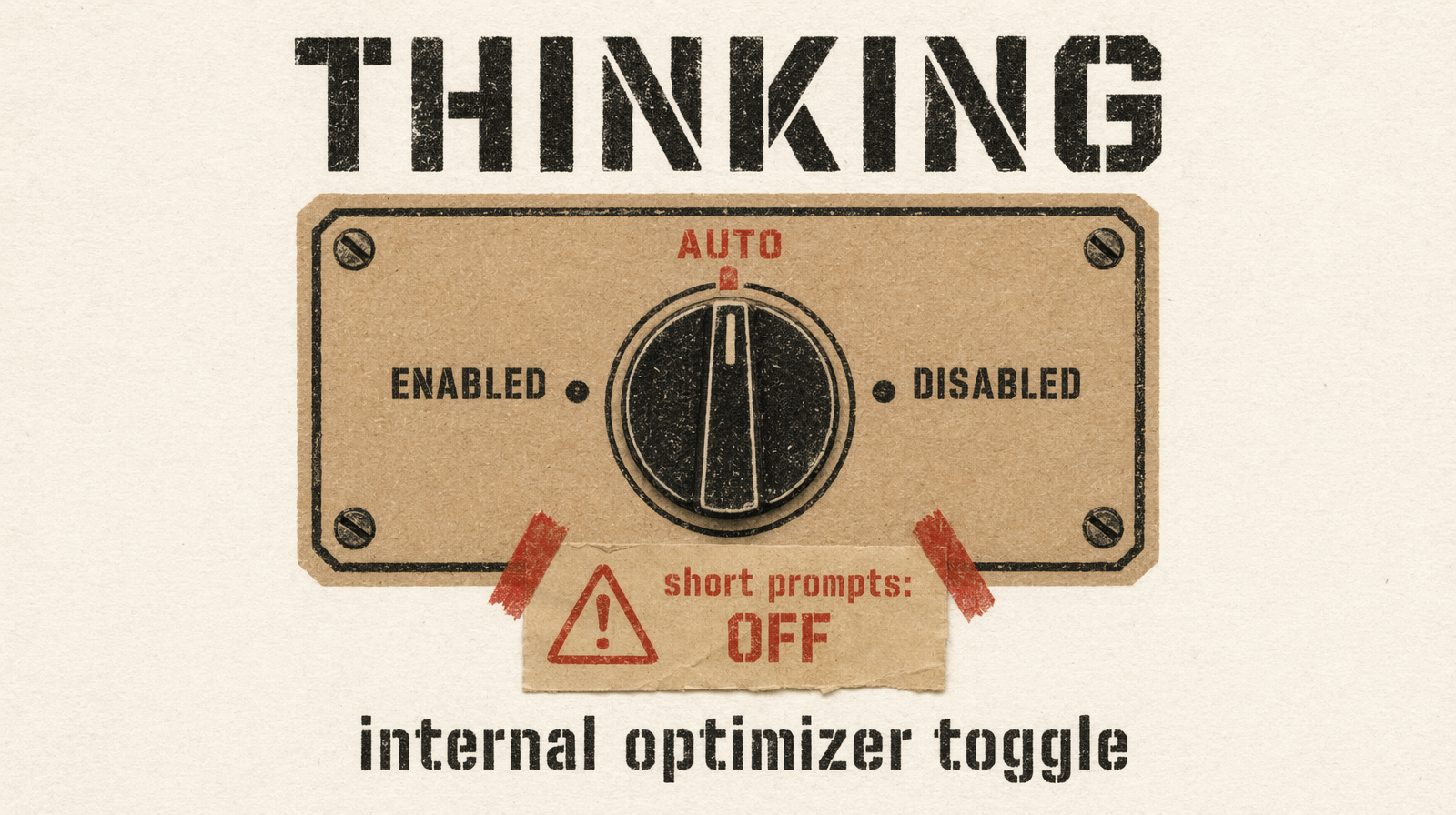
Most video models force you to encode the aesthetic inside the prompt string. Pixverse v6 does not. It has a style parameter, anime, 3d_animation, clay, comic, cyberpunk, that carries the visual language on its own. It also has thinking_type (enabled, disabled, auto), which runs an internal prompt optimization pass when you turn it on.
If you write prompts the old way, loading up the string with style adjectives, you are telling Pixverse v6 the same thing twice. The preset wins, sometimes. Your adjectives win, sometimes. Seed-to-seed drift gets worse the more the two disagree.
Write prompts that describe what happens and where. Let style handle how it looks.
The prompt shape
[Subject], [action], [environment], [lighting], [camera hint]
Example with style: "anime":
1A teenage swordsman races across rooftops at dusk, city lights blurring below, coat streaming behind him, low-angle tracking
Nothing in that prompt says "anime." The preset does. Swap style to "clay" and the same words produce a completely different video.
When thinking mode earns its cost
- Your prompt has multiple clauses or nested conditions
- You are describing something unusual the model might misread
- You are combining a style preset with a specific reference ("samurai whose armor is circuit-board patterns")
thinking_type: "disabled" is fastest and most literal. Use it when the prompt is short and direct, or when you have already iterated to a working version and are generating variants.
thinking_type: "auto" is the safe default in production.
The adjective trap
Bad (anime preset):
1style: "anime"2prompt: "Beautiful cinematic anime scene, photorealistic, 8K, RAW photo DSLR, dramatic lighting, highly detailed"
photorealistic, 8K, and RAW photo DSLR contradict the anime preset. The model picks sides per seed. Some outputs lean cel-shaded, some lean photoreal. Neither is reliable.
Good (same preset):
1style: "anime"2prompt: "Two rivals face each other in a thunderstorm, lightning casting hard shadows across their determined faces, wide shot"
The preset renders cel shading and line art. The prompt handles the scene. No contradiction.
Negative prompts that pair with presets
Each preset has a short list of things that fight it. Drop the matching list into negative_prompt:
- anime:
realistic photography, film grain, lens flare, bokeh - 3d_animation:
flat shading, anime, illustration, 2D, hand-drawn - clay:
photorealistic, smooth skin, CGI render, sharp edges - comic:
photorealistic, soft lighting, watercolor, blurry - cyberpunk:
daylight, natural lighting, pastoral, bright pastels
Multi-clip and audio switches
generate_multi_clip_switch: true enables dynamic camera changes within a single clip. Useful for social content where you want two or three implied shots inside a 10-second render.
generate_audio_switch: true adds BGM, SFX, and dialogue. Off by default. Audio is generated from the same prompt, include sound-producing events (blade clash rings out, footsteps echo) if you want specific audio. At $0.03-$0.12/sec (tiered), turning audio on is effectively free.
A full call
1await fal.subscribe("fal-ai/pixverse/v6/text-to-video", {2 input: {3 prompt: "A courier on a neon-lit bike weaves through a rain-soaked underpass at night, signage reflections in puddles, low tracking shot",4 style: "cyberpunk",5 thinking_type: "auto",6 resolution: "1080p",7 duration: 8,8 aspect_ratio: "16:9",9 negative_prompt: "daylight, natural lighting, pastoral, watercolor, bright pastels, text overlay",10 generate_audio_switch: true,11 seed: 1234,12 },13});
What to strip
- Photographic adjectives (
8K,RAW,DSLR,photorealistic) when a non-photoreal preset is active - Adjective stacks (
beautiful, stunning, amazing, cinematic), presets already carry aesthetic weight - Conflicting style words across preset and prompt
thinking_type: "enabled"on short prompts you have already dialed in
Fix the seed during iteration. prompt A vs prompt B with identical everything else is the only clean way to tell whether a prompt edit improved the output or you rolled different dice.