The fal Python Client: From pip install to First Render
A walkthrough of fal_client for Python developers. Async patterns, type hints, and pytest helpers included.
pip install and a key in the env
1pip install fal-client
1export FAL_KEY=sk-...
The SDK reads FAL_KEY automatically. If you must pass a key explicitly, use fal_client.SyncClient(key=...) or fal_client.AsyncClient(key=...). Keep it on the server.
Sync and async
fal_client exposes both surfaces. They mirror each other.
1import fal_client23result = fal_client.subscribe(4 "fal-ai/wan/v2.7/text-to-video",5 arguments={6 "prompt": "A lighthouse at golden hour, waves below, slow push",7 "duration": 5,8 "resolution": "1080p",9 },10 with_logs=True,11)12print(result["video"]["url"])
For a one-shot script, sync is the shortest path. For anything batch or concurrent, go async.
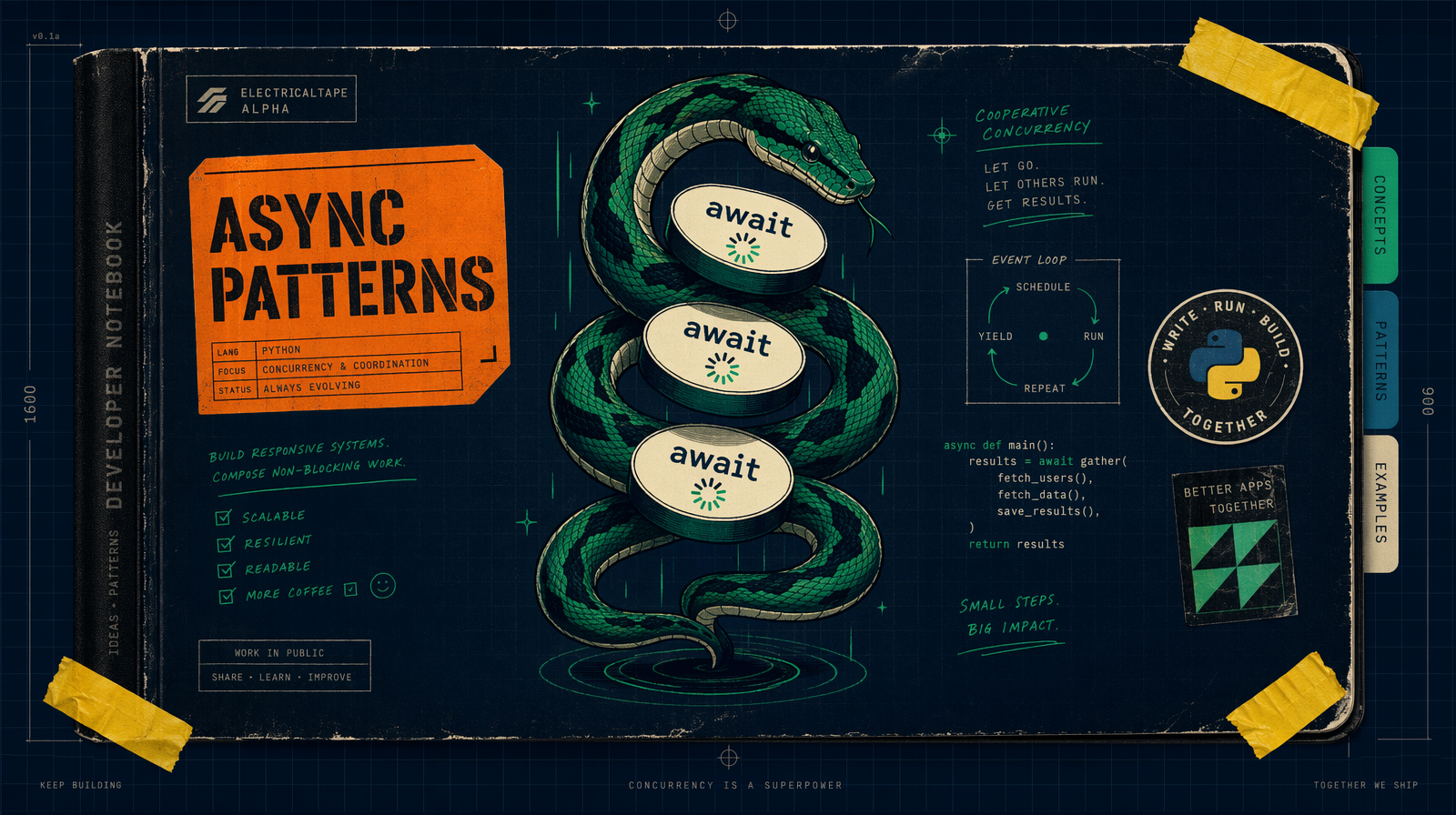
1import asyncio2import fal_client34async def render(prompt: str) -> str:5 handler = await fal_client.submit_async(6 "fal-ai/veo3.1/lite",7 arguments={"prompt": prompt, "duration": "6s", "resolution": "1080p"},8 )9 result = await handler.get()10 return result["video"]["url"]1112async def main():13 prompts = ["A red kite over wheat", "A black laptop on walnut", "Amber glass, slow dolly"]14 urls = await asyncio.gather(*(render(p) for p in prompts))15 for u in urls:16 print(u)1718asyncio.run(main())
Three Veo 3.1 Lite drafts at six seconds each is $0.90. The async version runs in parallel if your account concurrency allows.
The submit, status, result trio
When you want to own the queue, submit and check yourself.
1handle = fal_client.submit(2 "fal-ai/wan/v2.7/text-to-video",3 arguments={"prompt": "cat on a windowsill", "duration": 5, "resolution": "720p"},4)56request_id = handle.request_id7status = fal_client.status("fal-ai/wan/v2.7/text-to-video", request_id, with_logs=True)8if status["status"] == "COMPLETED":9 data = fal_client.result("fal-ai/wan/v2.7/text-to-video", request_id)10 print(data["video"]["url"])
Save request_id in your database at submit time. If your process crashes between submit and result, that id is your recovery.
Typed results, not untyped dicts
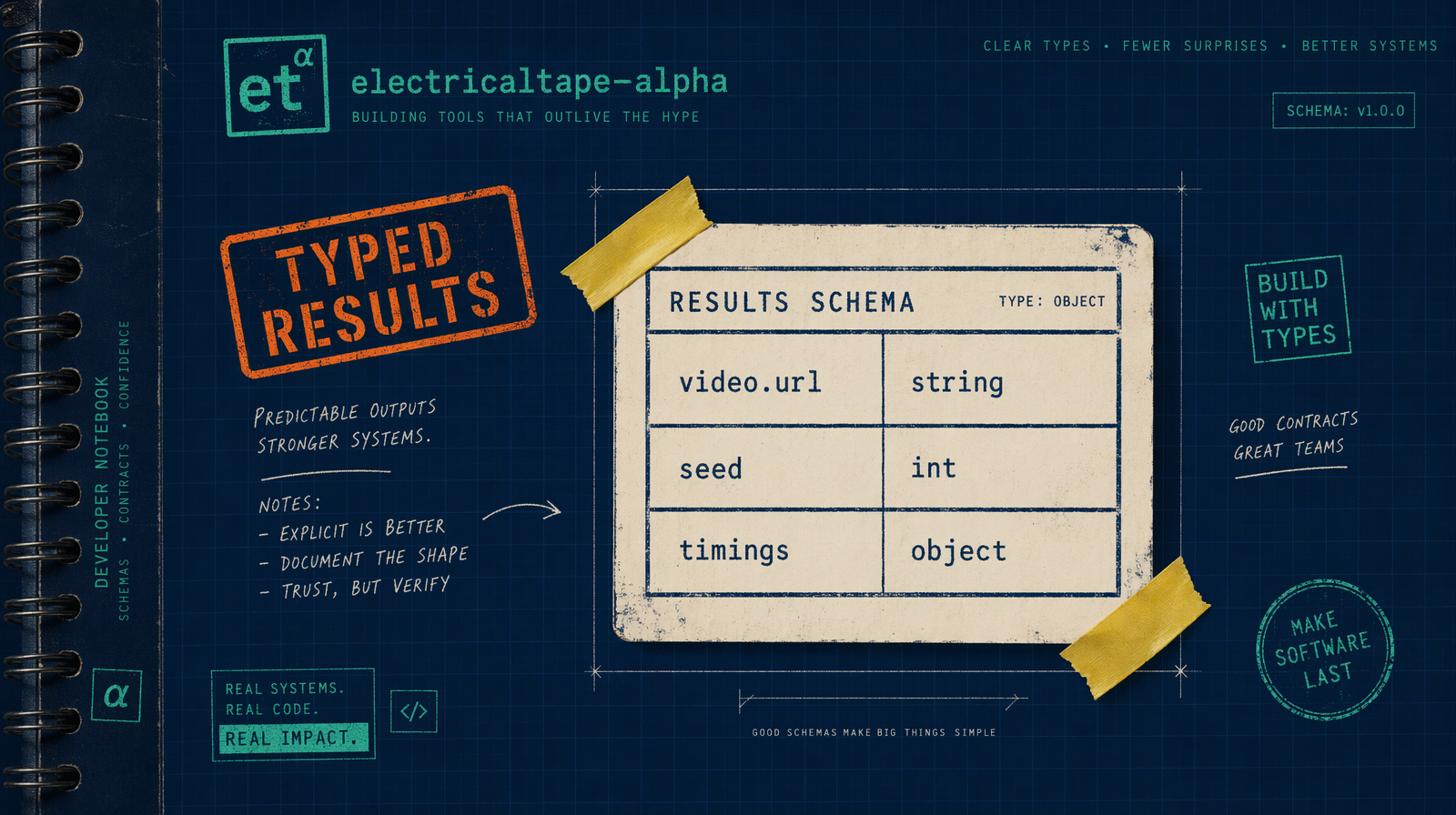
1from dataclasses import dataclass2from typing import Optional34@dataclass5class VideoResult:6 url: str7 seed: Optional[int]8 duration_seconds: float9 cost_cents: int1011def from_wan(result: dict, duration: int) -> VideoResult:12 return VideoResult(13 url=result["video"]["url"],14 seed=result.get("seed"),15 duration_seconds=float(duration),16 cost_cents=int(duration * 10), # Wan 2.7 is $0.10/sec17 )
Enough typing to stop KeyError in tests and keep your database writer honest. Use pydantic if you are already there.
Uploading a reference image
1image_url = fal_client.upload_file("./ref.png")2result = fal_client.subscribe(3 "fal-ai/wan/v2.7/image-to-video",4 arguments={"prompt": "gentle pan", "image_url": image_url, "duration": 5},5)
upload_file returns a fal.media URL persistent enough for the generation call. Mirror to your own storage after completion if you need long lived delivery.
pytest helpers
1# conftest.py2import pytest, fal_client34class FakeHandle:5 request_id = "test-req-123"6 def get(self):7 return {"video": {"url": "https://example/test.mp4"}, "seed": 1}89@pytest.fixture(autouse=True)10def no_network(monkeypatch):11 monkeypatch.setattr(fal_client, "submit", lambda *a, **k: FakeHandle())12 monkeypatch.setattr(fal_client, "subscribe", lambda *a, **k: FakeHandle().get())
Run integration tests nightly against Veo 3.1 Lite or Pixverse v6 at $0.03-$0.12/sec (tiered). Predictable CI bill.
The three errors you will see first
HTTPStatusError: 422 means bad payload shape. Read the body.
asyncio.TimeoutError inside subscribe_async means the HTTP connection timed out, not the job. Capture request_id and poll.
HTTPStatusError: 429 means concurrency. Add backoff or slow the submitter. Sync for scripts, async for anything that calls more than one model, typed results from day one.