Pixverse v6 vs C1: Thinking Mode and Multi-Clip at 0.5¢/sec
Both run at $0.03-$0.12/sec (tiered). v6 adds thinking mode, style presets, and a native multi-clip switch. C1 strips those out and returns faster. The decision is whether you want a toolbox or a straight pipe.
Same price, different jobs
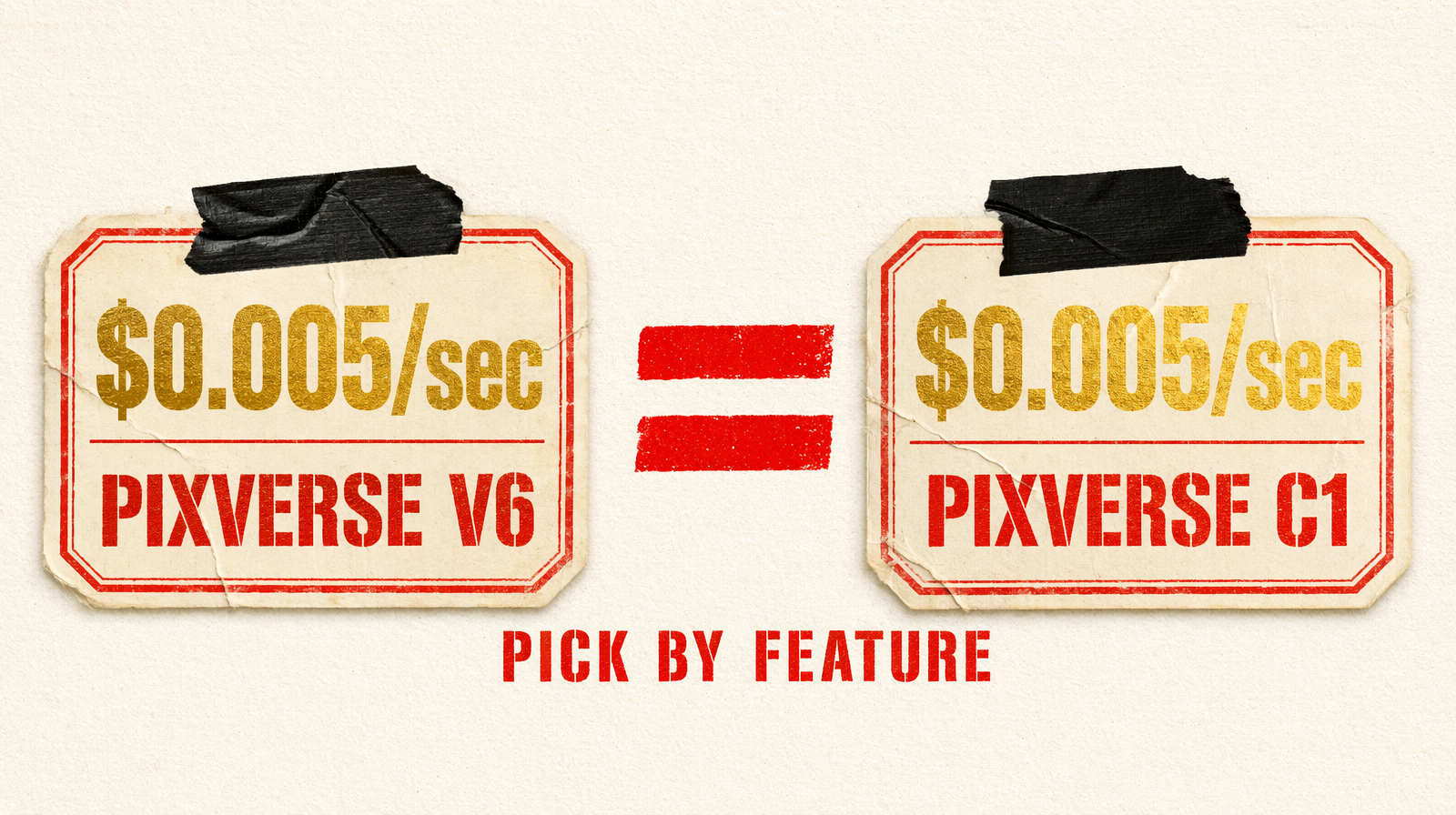
Both cost $0.03-$0.12 per second (tiered). An 8-second 1080p clip is $0.04. Nobody's picking based on price.
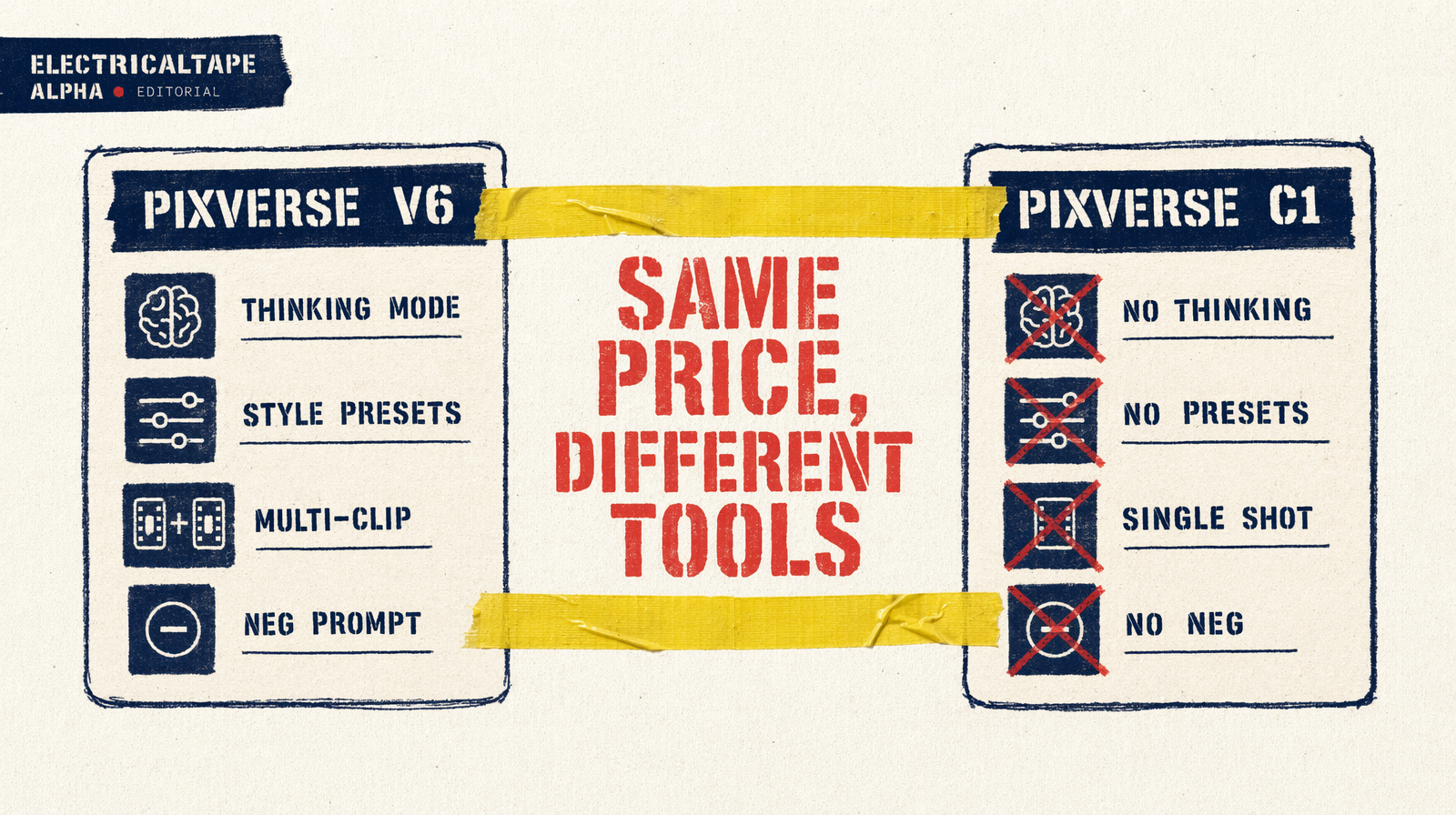
You're picking between a feature-rich creative tool (v6) and a stripped speed lane (C1). If you won't use thinking_type, style, generate_multi_clip_switch, or negative_prompt, take C1. If you will use any of them, v6 is the only option.
Spec comparison
| Feature | Pixverse v6 | Pixverse C1 |
|---|---|---|
| Endpoint | `fal-ai/pixverse/v6/text-to-video` | `fal-ai/pixverse/c1/text-to-video` |
| Resolution | 360p, 540p, 720p, 1080p | 360p, 540p, 720p, 1080p |
| Duration | 1-15s (integer) | 1-15s (integer) |
| Aspect ratios | 16:9, 4:3, 1:1, 3:4, 9:16, 2:3, 3:2, 21:9 | same |
| Audio | `generate_audio_switch` (default false) | same |
| Negative prompt | Yes | No |
| Seed | Yes | Yes |
| `thinking_type` | auto, enabled, disabled | No |
| `style` | anime, 3d_animation, clay, comic, cyberpunk | No |
| Multi-clip | `generate_multi_clip_switch` (bool) | No |
| Pricing | $0.03-$0.12/sec (tiered) | $0.03-$0.12/sec (tiered) |
Aspect ratios and duration range are identical. Differences are strictly creative control.
What thinking_type does
v6's prompt-reasoning step. enabled runs an internal planning pass on the prompt, reasoning about ambiguities before generation. auto decides per-prompt. disabled generates directly.
The tradeoff is latency. Enabled takes noticeably longer. On well-specified prompts (subject, action, lighting, camera all explicit) you gain nothing. On short or abstract prompts ("a dragon," "city at night") you gain a lot.
Rule of thumb: prompt under 50 characters or using abstract language, enable. Otherwise disable.
What generate_multi_clip_switch does
v6-only. With it on, a single generation produces dynamic camera changes within the clip, cut-aware pacing in one call. For short-form social content this replaces a stitching pipeline with one API call. C1 cannot do this.
Style presets
v6 ships five: anime, 3d_animation, clay, comic, cyberpunk. They lock aesthetic without elaborate prompt engineering. C1 has no style param, you get the default look.
Honest weaknesses
v6: thinking adds latency whether you want it or not when auto is set. Five style options only, want watercolor or oil painting, you're back to prompt engineering. generate_multi_clip_switch works but gives less control over individual shots than a stitched pipeline.
C1: no negative prompt, no style, no thinking, no multi-clip. Ambiguous prompt, C1 just picks something, and that something may not be what you wanted.
Different input shapes
v6, anime multi-clip with thinking:
1result = fal_client.run(2 "fal-ai/pixverse/v6/text-to-video",3 arguments={4 "prompt": "A young warrior at the edge of a floating island, wind, then jumps",5 "style": "anime",6 "thinking_type": "enabled",7 "generate_multi_clip_switch": True,8 "negative_prompt": "blurry, extra fingers",9 "resolution": "1080p",10 "aspect_ratio": "21:9",11 "duration": 8,12 "generate_audio_switch": True,13 "seed": 777,14 },15)
C1, direct, single-shot, fast:
1result = fal_client.run(2 "fal-ai/pixverse/c1/text-to-video",3 arguments={4 "prompt": "A product on a clean white surface, slow rotation, softbox lighting",5 "resolution": "1080p",6 "aspect_ratio": "1:1",7 "duration": 5,8 "seed": 101,9 },10)
C1 takes five parameters. v6 takes ten. That's the decision in one glance.
Verdict
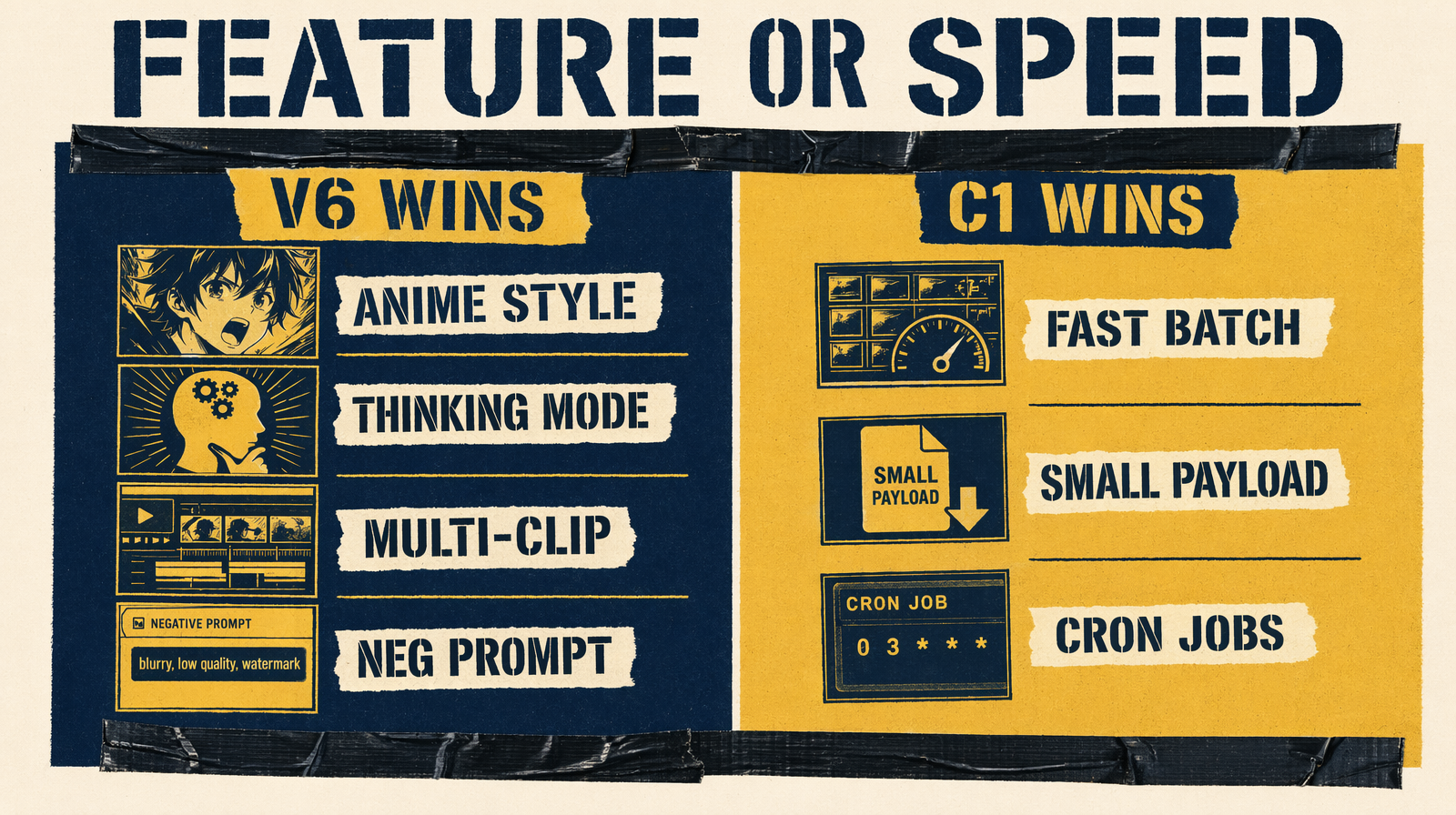
At identical price, v6 is strictly more capable. The only reason to choose C1 is speed and smaller parameter surface. For any pipeline that isn't purely throughput-bound, v6 is the default. If you're running 500 clips a night through cron and params never change, C1 is lean enough.