4K-Capable Video Models Compared: Veo 3.1 and LTX 2.3
Two models run at 2160p. Different pricing, different durations, different strengths at native resolution.
The verdict up front
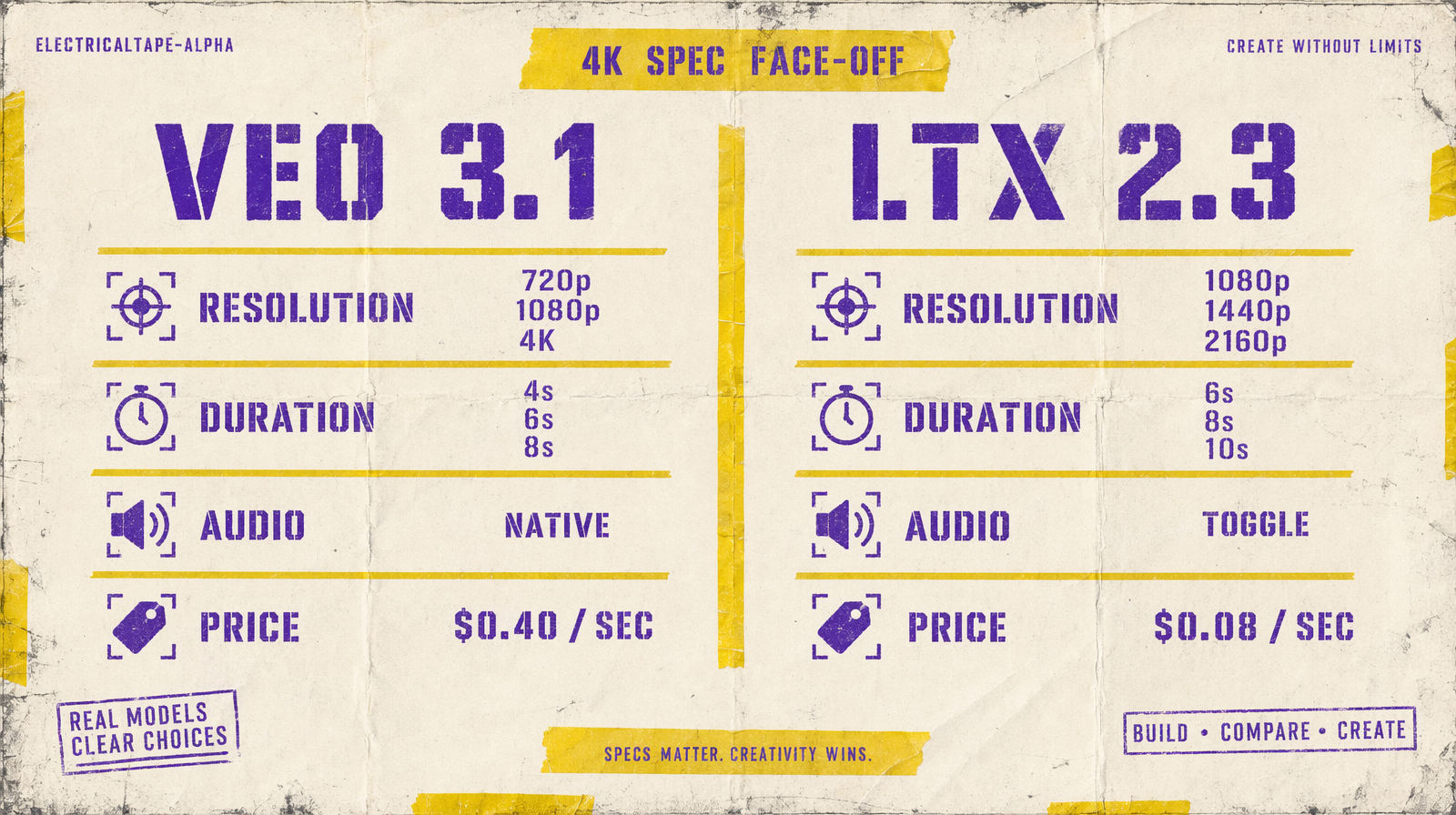
Only two fal.ai text-to-video models deliver 4K or near-4K native output: Veo 3.1 at a true 4k tier, and LTX 2.3 at 2160p. They are different tools. Veo 3.1 ships 4K at $0.40 per second with native dialogue. LTX 2.3 ships 2160p at $0.08 per second with a higher frame-rate ceiling. If your hero shot needs spoken lines, use Veo. For everything else at high resolution, LTX 2.3 is 5x cheaper.
The 4K spec comparison
| Parameter | Veo 3.1 | LTX 2.3 Pro |
|---|---|---|
| Top resolution | 4k | 2160p |
| Other resolutions | 720p, 1080p | 1080p, 1440p, 2160p |
| Duration options | 4s, 6s, 8s | 6s, 8s, 10s |
| fps options | not exposed | 24, 25, 48, 50 |
| Aspect ratios | 16:9, 9:16 | 16:9, 9:16 |
| Native audio | yes, dialogue and lip sync | yes, generate_audio toggle |
| Negative prompt | yes | via prompt guidance |
| Price per second | $0.40 | $0.08 |
Veo's 4k and LTX's 2160p are close enough to treat as equivalent for delivery spec. Both give you a 4K master.
The cost math is brutal
An 8-second 4K clip on Veo 3.1 is $3.20. The same 8-second clip at 2160p on LTX 2.3 Pro is $0.64. That is a 5x spread at the top of the resolution tier.
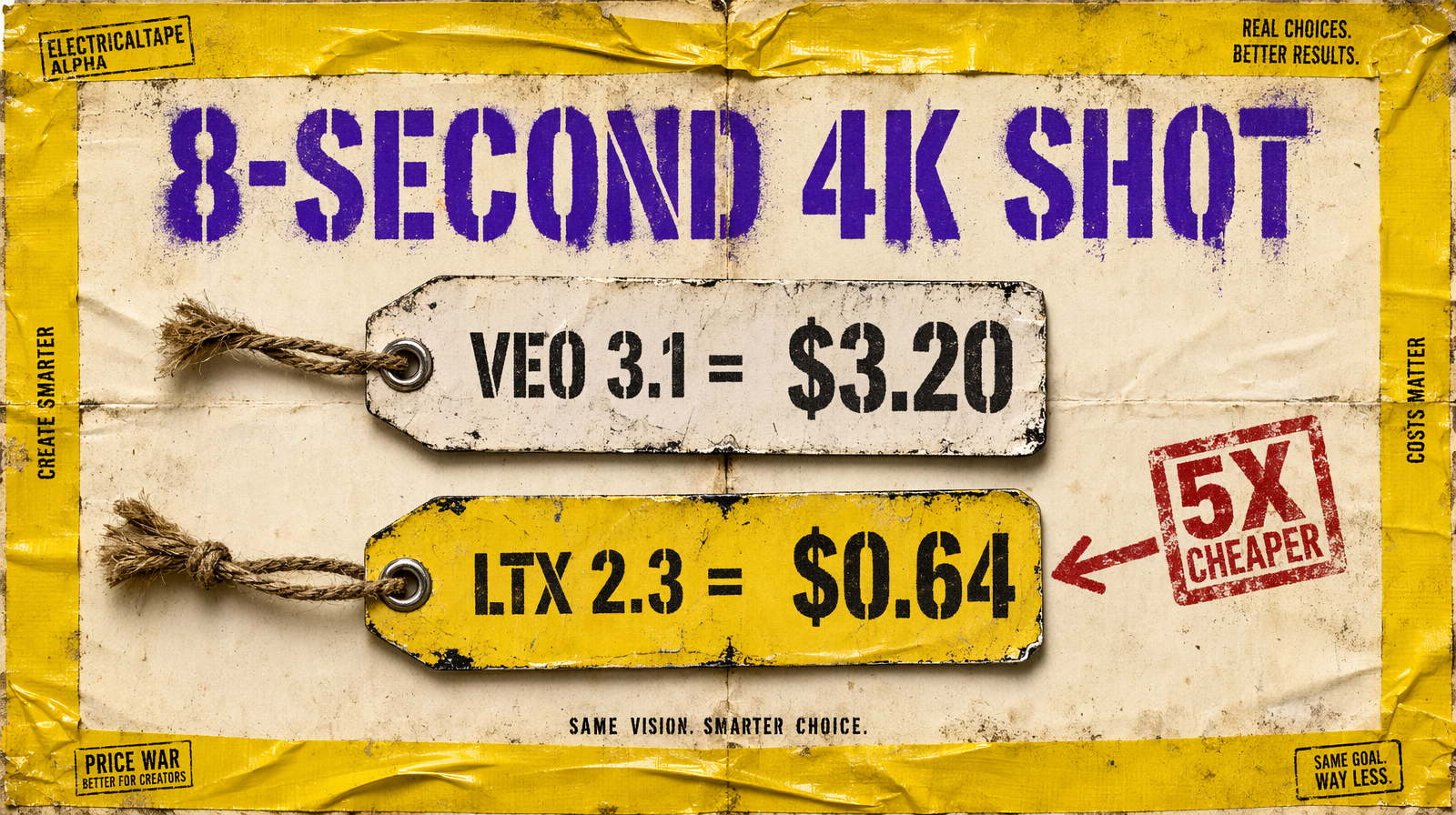
If you are iterating 10 prompts for a hero 4K shot, Veo costs you $32 before you land. LTX costs you $6.40. The exploration loop economics are radically different.
Where Veo 3.1 justifies the premium
Four cases:
- The clip has scripted dialogue with close-up lip sync. LTX does not do scripted speech.
- The clip needs complex physics at 4K: fire, fluid, cloth dynamics. Veo resolves these cleaner at native 4K.
- The clip is final delivery to a paid client and the quality difference is visible on a calibrated 4K monitor.
- You need the
safety_tolerancerange (1 to 6) for content moderation tuning. LTX does not expose this.
Where LTX 2.3 wins outright
Five cases:
- Long-form B-roll at 4K where no character speaks.
- Higher frame rates. LTX supports 48 and 50 fps at 1080p, useful for slow-motion delivery.
- Duration up to 10 seconds. Veo tops out at 8.
- Budget iteration at the top resolution. You can afford 20 drafts for the price of 4 Veo drafts.
- Product shots where the motion is smooth camera movement over a still subject.
The 1440p tier nobody talks about
LTX 2.3 has a resolution option nobody else offers: 1440p. This is the sweet spot for most high-end web delivery. It is sharper than 1080p, cheaper than 2160p (LTX unit cost scales with resolution tier but stays modest compared to Veo), and renders fast. If your delivery target is a premium website (not broadcast, not theater), 1440p LTX is often the right answer that never shows up in a comparison.
The frame rate thing
LTX 2.3's fps options (24, 25, 48, 50) are the other reason it quietly wins more than you would expect. 24 fps reads like cinema. 48 and 50 fps at 1080p unlock slow motion in post without interpolation artifacts. Veo 3.1 does not expose frame rate; you get what the model decides, usually 24.
The selection rule
If your clip needs a spoken line at 4K, use Veo 3.1. If it does not, use LTX 2.3. The 5x cost gap compounds fast on iteration, and LTX's higher fps and 10-second ceiling often make it a better tool even before you consider price.
Do not default to Veo just because it is the premium tier name. Match the tool to the shot.