Pixverse C1: Cinematic Focus, No Negative Prompt, $0.03-$0.12/sec (tiered)
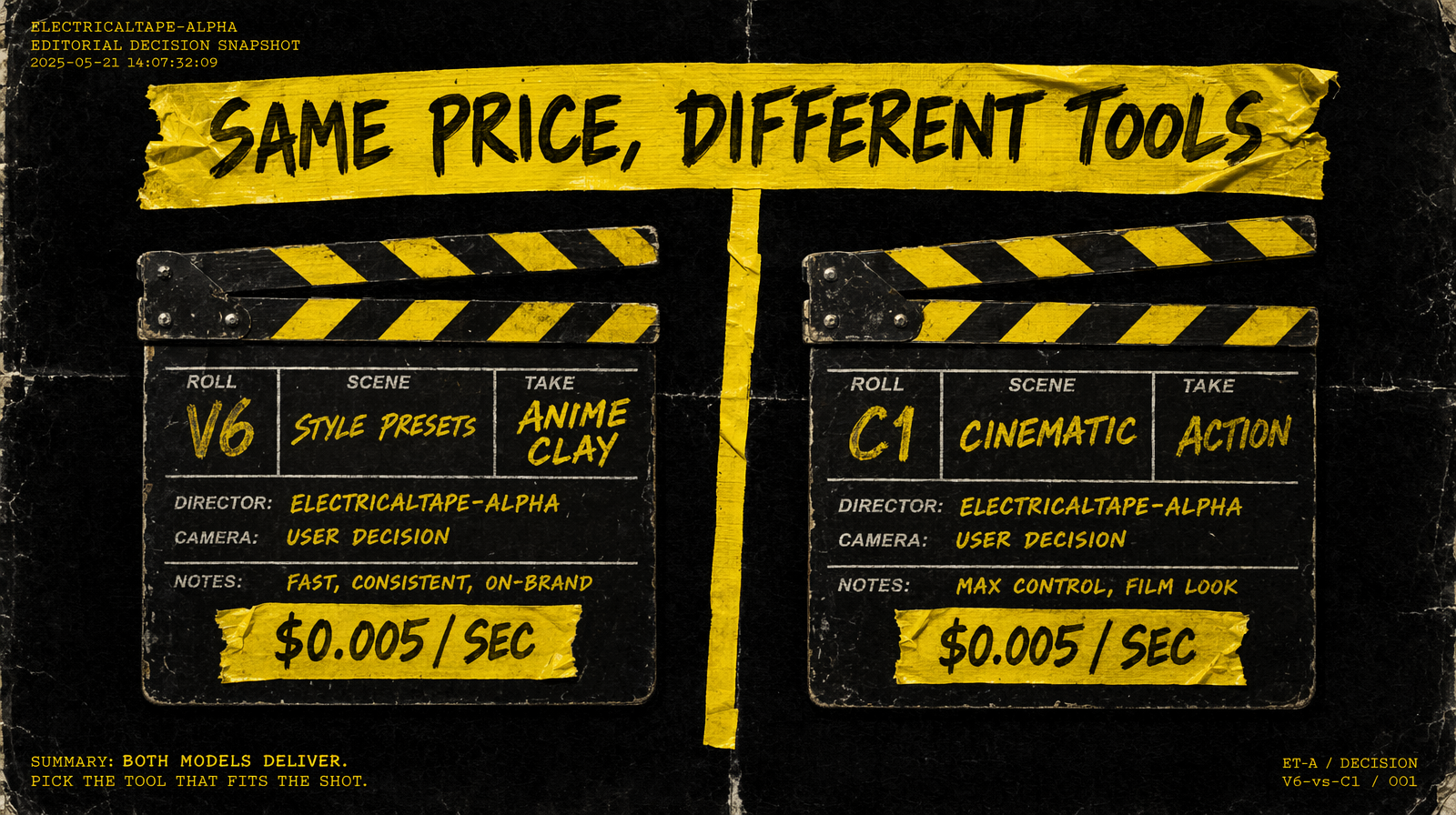
Pixverse C1 strips out the style presets and thinking mode of v6 and aims at cinematic action at the same $0.03-$0.12/sec (tiered) price.
What Pixverse C1 is
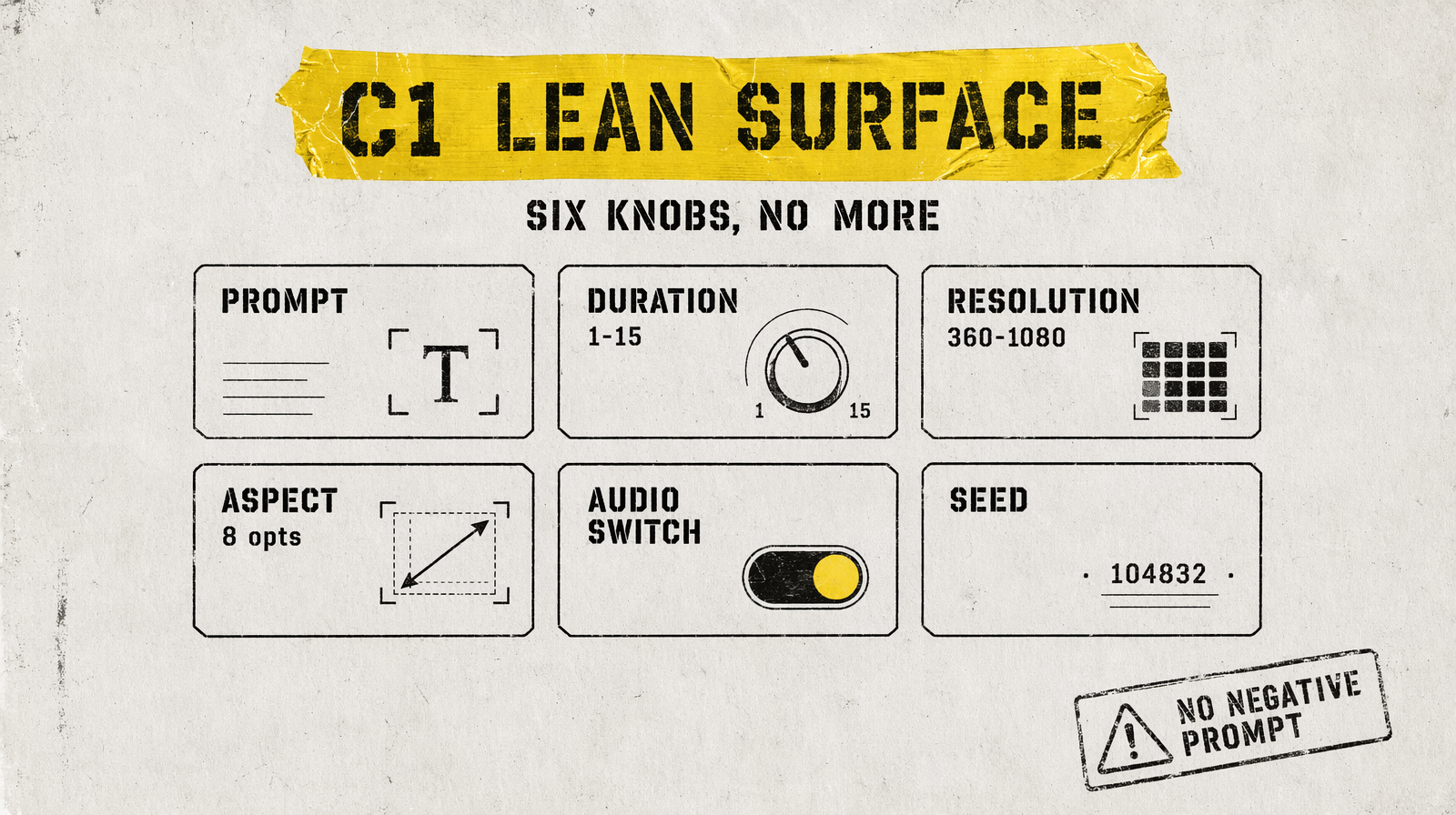
Pixverse C1 is the cinematic-focused Pixverse model. On fal.ai: fal-ai/pixverse/c1/text-to-video and fal-ai/pixverse/c1/image-to-video. It shares pricing with v6 ($0.03-$0.12/sec (tiered)) but has a deliberately leaner parameter surface. No style presets, no thinking_type, no negative_prompt. Positive prompt specificity does all the work.
What it does well
Action-heavy motion is C1's training focus - combat, parkour, sports, fast camera moves. It tracks momentum and contact better than most cheap models. Native audio generation is supported via generate_audio_switch (BGM, SFX, dialogue). Resolution ladder matches v6: 360p, 540p, 720p, 1080p. Eight aspect ratios including 21:9 and 9:16.
Duration is a 1-15 integer, defaulting to 5. The feature set here is intentionally narrower than v6, which shows in the API - fewer parameters to tune means fewer ways to get a bad output, and prompts that describe motion explicitly tend to perform better than ones that lean on style cues.
What it can't do
No negative prompts. This is the big structural difference from v6 - you can't pass an exclusion list. Work around it by including exclusionary language in the prompt itself ("clear sky, no overexposure", "single character, no crowd"). No style presets - if you want stylized output, describe the style in words. No thinking_type - prompts go directly to the generator without an optimization pass. No end-frame anchoring.
Same resolution cap as v6 at 1080p.
Parameters that matter
| Parameter | Type | Default | Options |
|---|---|---|---|
| `prompt` | string | required | - |
| `duration` | integer | 5 | 1-15 |
| `resolution` | string | `720p` | `360p`, `540p`, `720p`, `1080p` |
| `aspect_ratio` | string | `16:9` | 8 options |
| `generate_audio_switch` | boolean | `false` | - |
| `seed` | integer | - | - |
Image-to-video adds image_url as required. That's the entire surface. The I2V endpoint intentionally omits an end-frame parameter.
Pricing
$0.03-$0.12 per second (tiered), identical to v6. 5-second 720p clip with no audio: $0.25 (5 x $0.05). 15-second 1080p clip with audio ceiling: $1.80 (15 x $0.12). Batch 100 short 5-second 360p no-audio clips for roughly $15 in raw compute. For production teams doing cinematic action content at volume, this is the cheapest viable tier on fal.ai.
Working example
1import { fal } from "@fal-ai/client";23const result = await fal.subscribe("fal-ai/pixverse/c1/text-to-video", {4 input: {5 prompt: "A martial artist in a white gi lands a spinning heel kick in slow motion, dust rising from the mat, dramatic side key light, 24mm lens",6 duration: 5,7 resolution: "1080p",8 aspect_ratio: "16:9",9 generate_audio_switch: false,10 },11});1213console.log(result.data.video.url);
When to pick Pixverse C1 over v6
Pick C1 for realistic action-forward content - fight scenes, athletic motion, vehicle chases - where you want the model's training focus on motion physics rather than aesthetic presets. Pick v6 when you want anime, clay, cyberpunk, or comic output, or when you want the thinking_type optimization pass and negative prompt controls. Same price, different strengths. For a stylized lifestyle ad, use v6. For a cinematic fight sequence, C1 is the sharper tool.