Grok Imagine Video: Lean API, No Audio, $0.05/sec
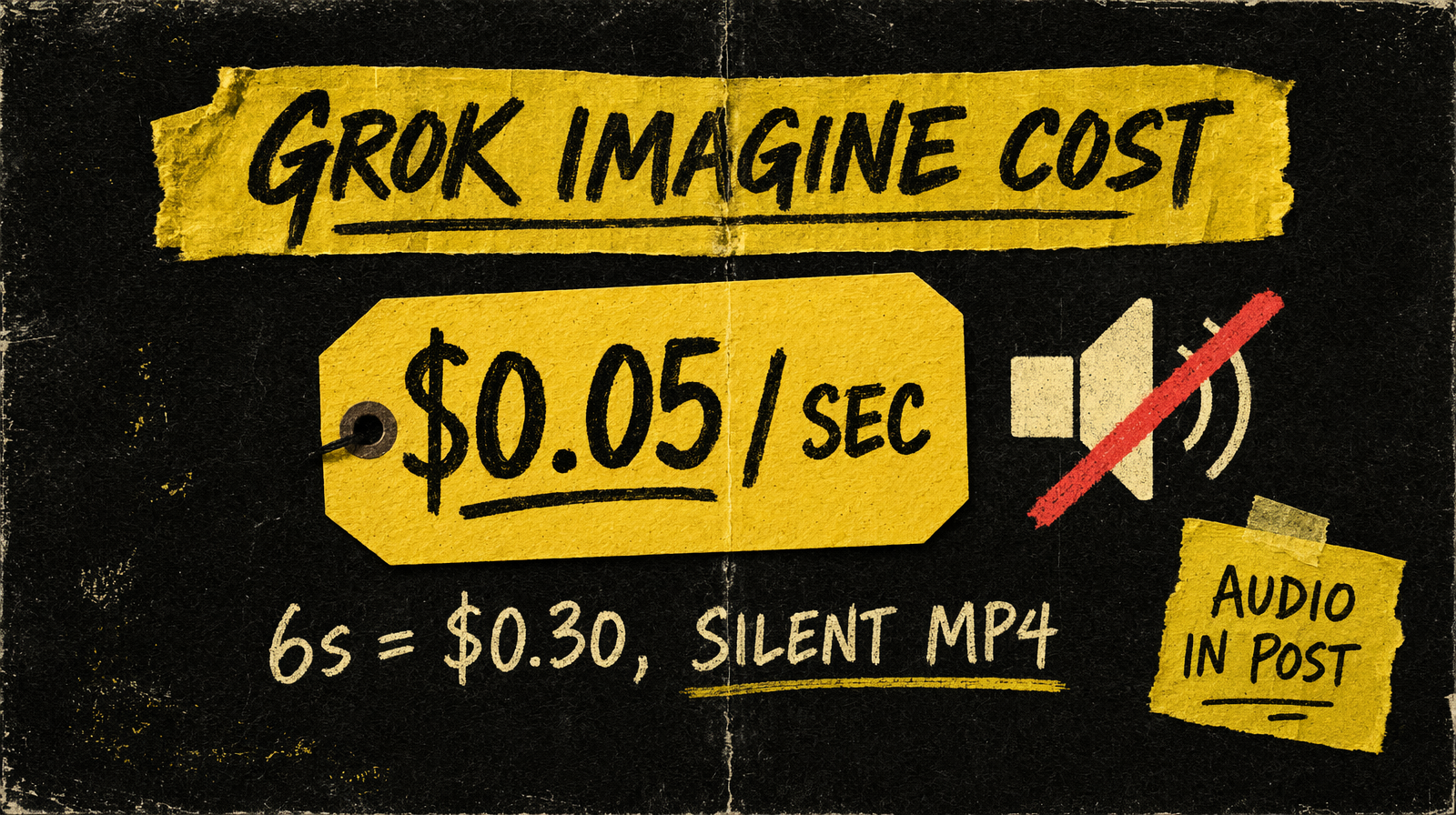
Grok Imagine Video outputs silent clips at 720p for $0.05/sec - no audio, no negative prompt, no seed. The parameter surface is deliberately minimal.
What Grok Imagine Video is
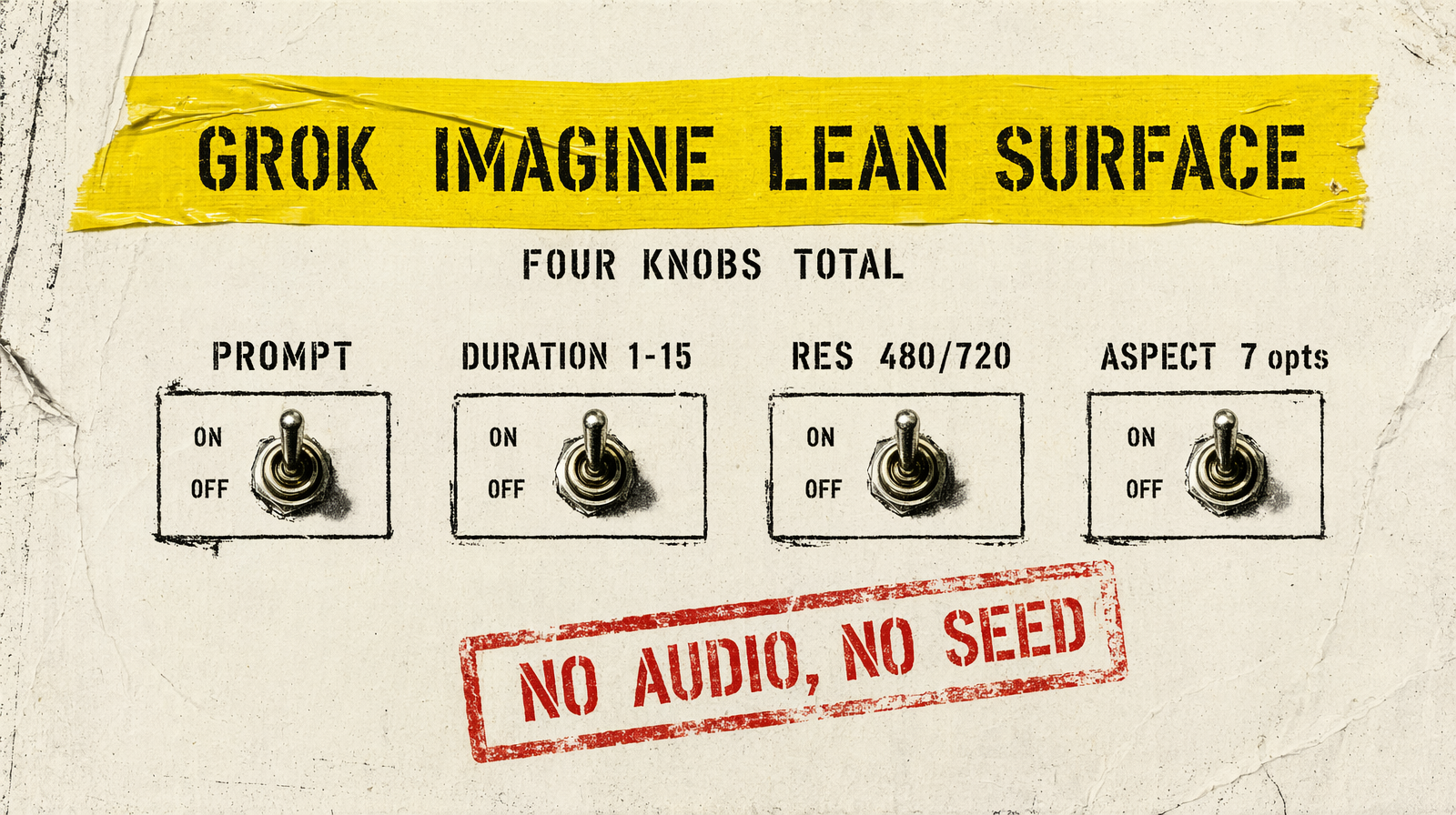
Grok Imagine Video is xAI's video model, running on fal.ai as xai/grok-imagine-video/text-to-video and xai/grok-imagine-video/image-to-video. Built on the Aurora engine. It's the leanest parameter surface of any model in this lineup - four knobs (prompt, aspect ratio, duration, resolution) and that's it.
What it does well
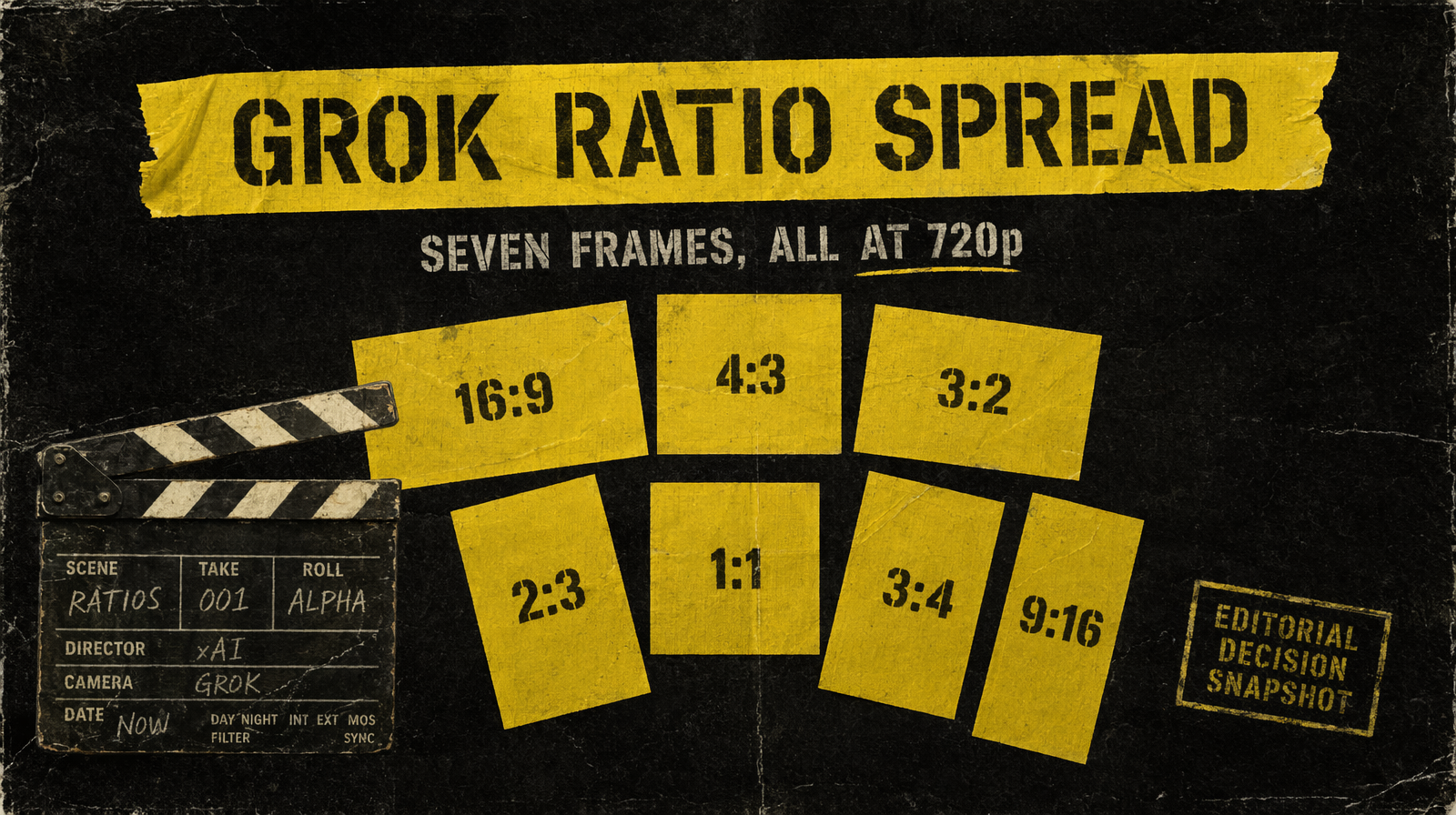
Prompt adherence is strong. The model interprets natural language scene descriptions well and composes consistently to the requested aspect ratio. Text-to-video supports seven ratios: 16:9, 4:3, 3:2, 1:1, 2:3, 3:4, 9:16. Duration is an integer 1-15 with a default of 6. Resolution is either 480p or 720p.
Output is standard MP4 at 24 fps. The API response includes useful metadata: fps, duration (as a float, e.g. 6.041667 for a nominal 6s clip), num_frames, width, height, and a CDN URL.
What it can't do
No audio. Output is silent. If your pipeline needs sound, you add it downstream.
No negative_prompt field. No seed parameter - you cannot pin outputs for reproducibility. No end-frame anchoring, no multi-shot scripting, no style presets. Resolution ceiling is 720p (1280x720 for 16:9); there's no 1080p option let alone 4K.
On image-to-video, aspect_ratio defaults to auto and derives from the input image. You can't override it to a different ratio.
Parameters that matter
| Parameter | Type | Default | Options |
|---|---|---|---|
| `prompt` | string | required | - |
| `duration` | integer | 6 | 1-15 |
| `resolution` | string | `720p` | `480p`, `720p` |
| `aspect_ratio` | string | `16:9` T2V / `auto` I2V | 7 options on T2V |
Image-to-video requires image_url. That's the entire surface.
Pricing
$0.05 per second at 480p, effective $0.07 per second at 720p (a 1.4x multiplier is applied on the billing side). 6-second 480p clip: $0.30. 6-second 720p clip: $0.42. 8-second 480p clip: $0.40. 15-second 480p ceiling: $0.75. 480p saves money and latency, 720p is the quality bump.
Generating 100 clips at 6 seconds each at 480p costs $30. That's mid-tier pricing: more expensive than Pixverse ($0.03-$0.12/sec (tiered)) but half the cost of LTX 2.3 ($0.08/sec) and a tenth of Veo 3.1 ($0.40/sec).
Working example
1import { fal } from "@fal-ai/client";23const result = await fal.subscribe("xai/grok-imagine-video/text-to-video", {4 input: {5 prompt: "A woman walks alone through a rain-soaked Tokyo street at night, neon reflections on wet pavement, slow tracking shot at shoulder height",6 duration: 6,7 resolution: "720p",8 aspect_ratio: "16:9",9 },10});1112console.log(result.data.video.url);
When to pick Grok Imagine Video
Pick it for silent B-roll, motion graphics, product animations, or any pipeline where audio is added in post. Pick it when you want the broadest aspect ratio coverage at 720p in the mid-price tier. Skip it when you need audio - Veo 3.1, Veo 3.1 Lite, Seedance 2.0, Kling v3 Pro, and LTX 2.3 all handle that. Skip it when you need seed reproducibility or negative prompt exclusion. Skip it when you need 1080p or higher.
The lean API is a feature, not a limitation, if your use case matches the model's strengths. For everything else, pick something with more controls.